MANUAL
V1.0
PLAYING MUSIC > p. 16
PLAYBACK STATUS ICONS
Status bar icons tell you if your ARCHOS is:
playing paused stopped
MUSIC PLAYBACK MENU ITEMS
Info
displays a message box with all the available information about the current music le.
tap on to close the info screen.
-
-
Home
allows you to go back to the Home Screen while playing music, in order to browse your hard drive, play a
photo slideshow, read a PDF le, etc.
-
Playlist
opens the playlist editor (see: Playlists).-
Set bookmark
sets a bookmark at the current spot in the audio le.
only one bookmark per le is allowed.
you can bookmark up to 32 les.
music les with a bookmark appear with the icon.
-
-
-
-
Set rating
allows to give a rating to the current song (1-5) or to remove the rating (none).-
Settings
will display the Music settings screen (see next chapter).-
Sound
will display the Sound settings screen (see: Sound Settings).
tap on to exit this screen.
-
-
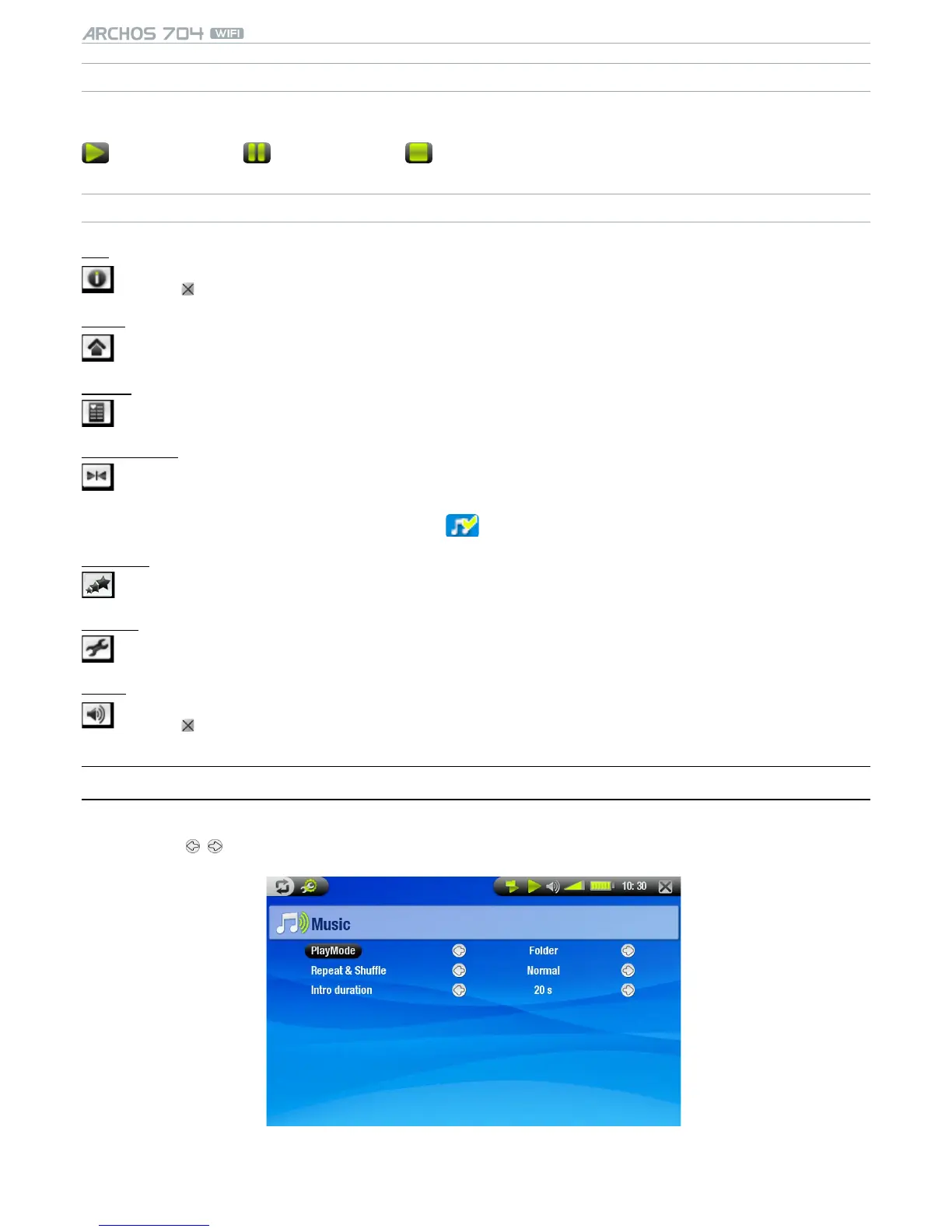
2.3 MusIC seTTIngs
You can access the Music Settings screen via the Settings menu item while playing a song.
Tap on the / buttons to select a different setting for a parameter.
•
•


 To Next Page