MANUAL
V1.0
USING THE BROWSER > p. 29
PDF READER MENU ITEMS
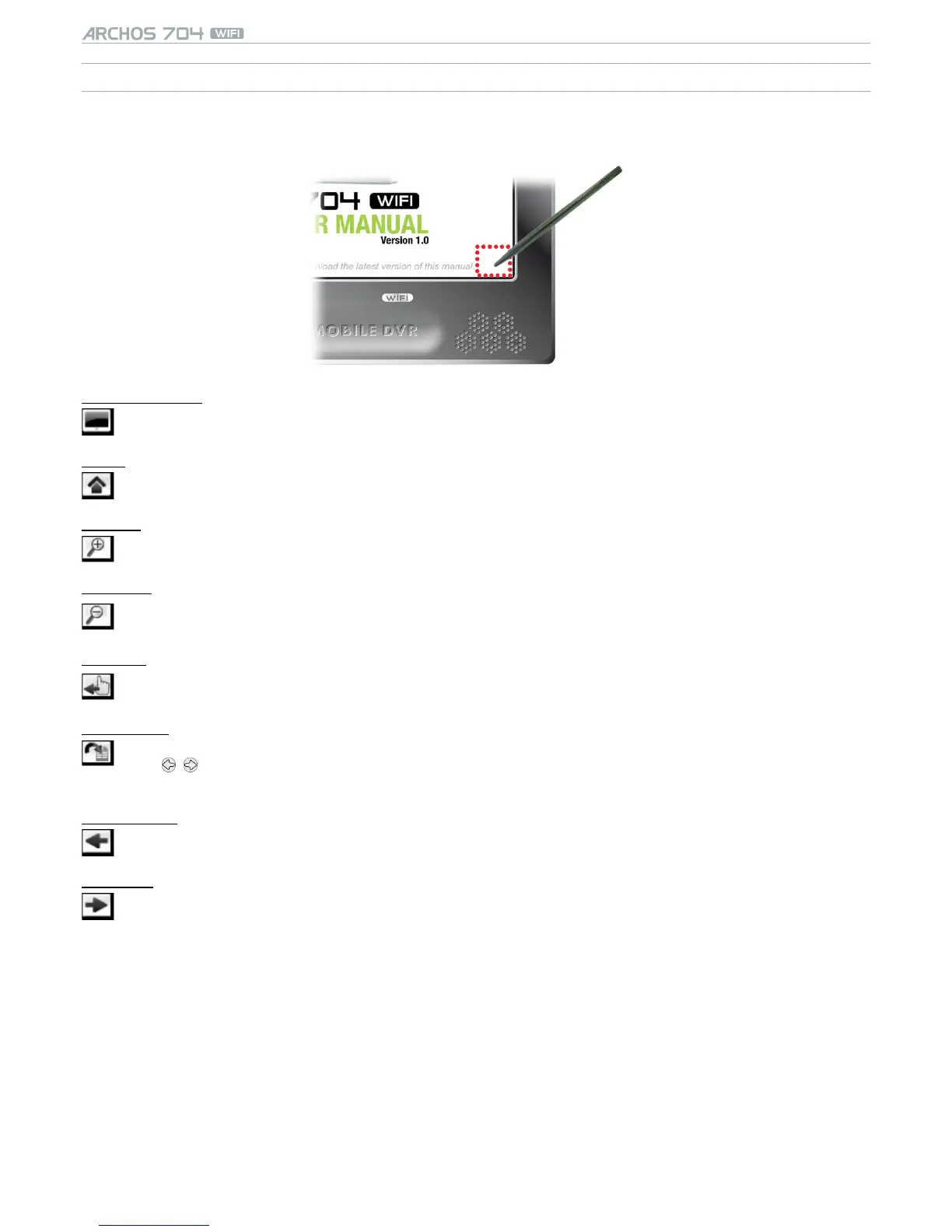
To display the menu overlay while viewing a PDF document, tap once in the bottom right corner of the screen (see
following picture).
Hide text overlay
will hide all overlaid graphics (status bar, menu items, etc.) to only show the PFD document.-
Home
allows you to go back to the Home Screen.-
Zoom in
magnies the document.-
Zoom out
demagnies the document.-
Link back
will take you back to the page that you came from.
only appears when you have previously followed a link.
-
-
Go to page...
allows you to select a specic page.
use / to select a page number.
tap on Ok to go to this page.
-
-
-
Previous page
goes to the previous page in the document.-
Next Page
goes to the next page in the document.-


 To Next Page