5.3 Recording MP3 Music from an External Source
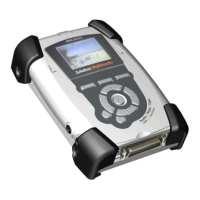
• Using the supplied audio cable, plug the two RCA type connectors into the Line-out of the audio
device (audio player or stereo set) you want to record from. Plug the other end into the line-in of
the Jukebox FM. You can also record from the built-in microphone or use an amplified microphone
as an input.
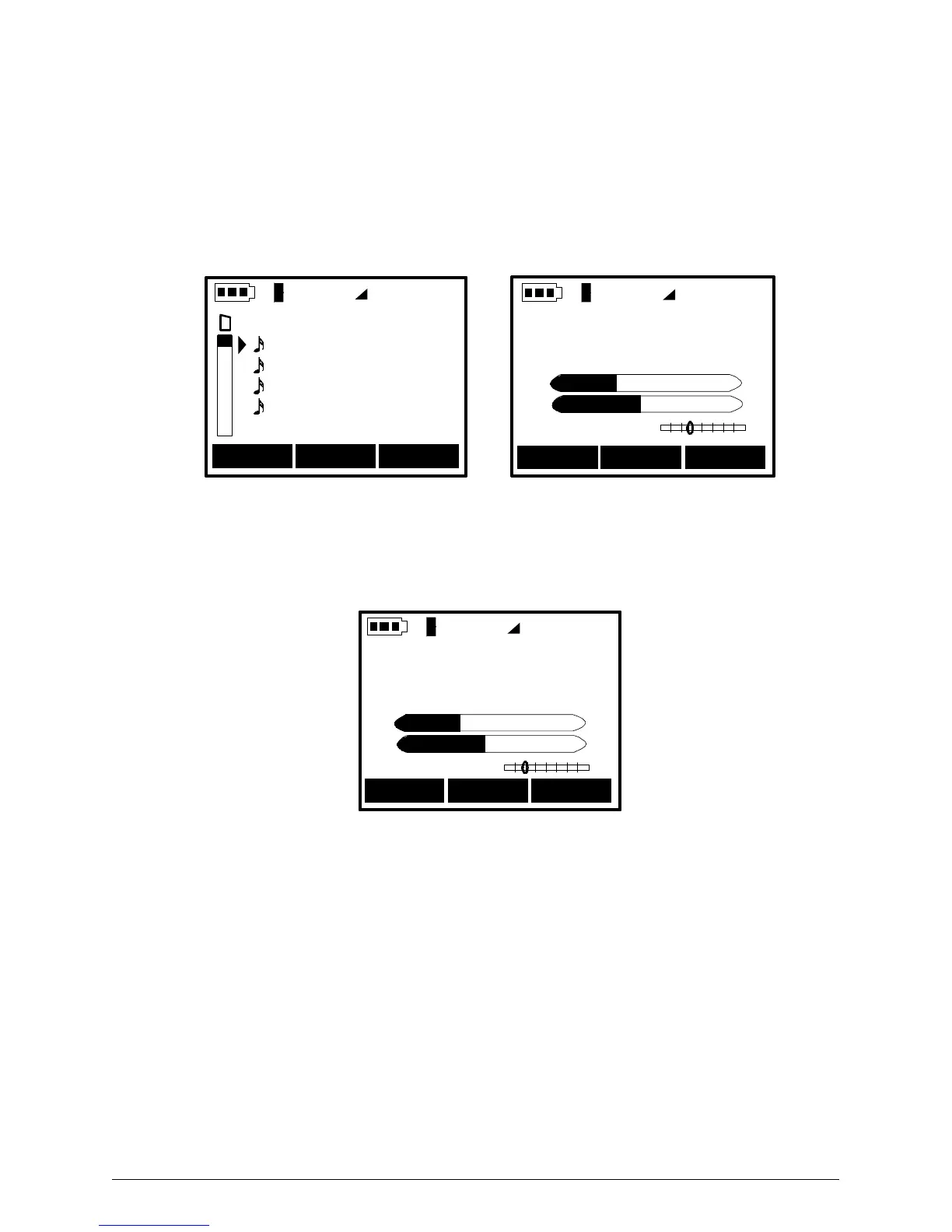
• In browser mode, locate the folder in which you want to write / save the recording.
• Press the F2 [REC] button to go to recording mode.
Vol
Radio Rec 10:38
Braveheart 01
Braveheart 02
Braveheart 03
Braveheart 04
01 ( New Folder )
--- --- Stop
Adjust Rec Level
Press PLAY to start
L
R
Rec Level :
Vol
(Browser mode) (Recording screen)
• The recording panel displays the Adjust Recording Levels screen. Use the “<” and “>” to adjust the
recording levels.
• Press the “>||” play button to begin the recording.
--- Next Stop
Source : 90.0 Mhz
New Song02.mp3
0349 Kb 124 Kb VBR
L
R
00:00:07
Vol
Jukebox FM - seven seconds into a radio recording
• After a short pause for the Jukebox to initialize the recording, your unit will display the recording
screen.
• The LCD will display the source, the song file name, current recording size, encoding bit rate,
elapsed time, and recording levels.
• Press F3 [STOP] to end the current recording and return to Browser mode.



 To Next Page