4.0 Operating your Jukebox FM Recorder
4.1 Connections
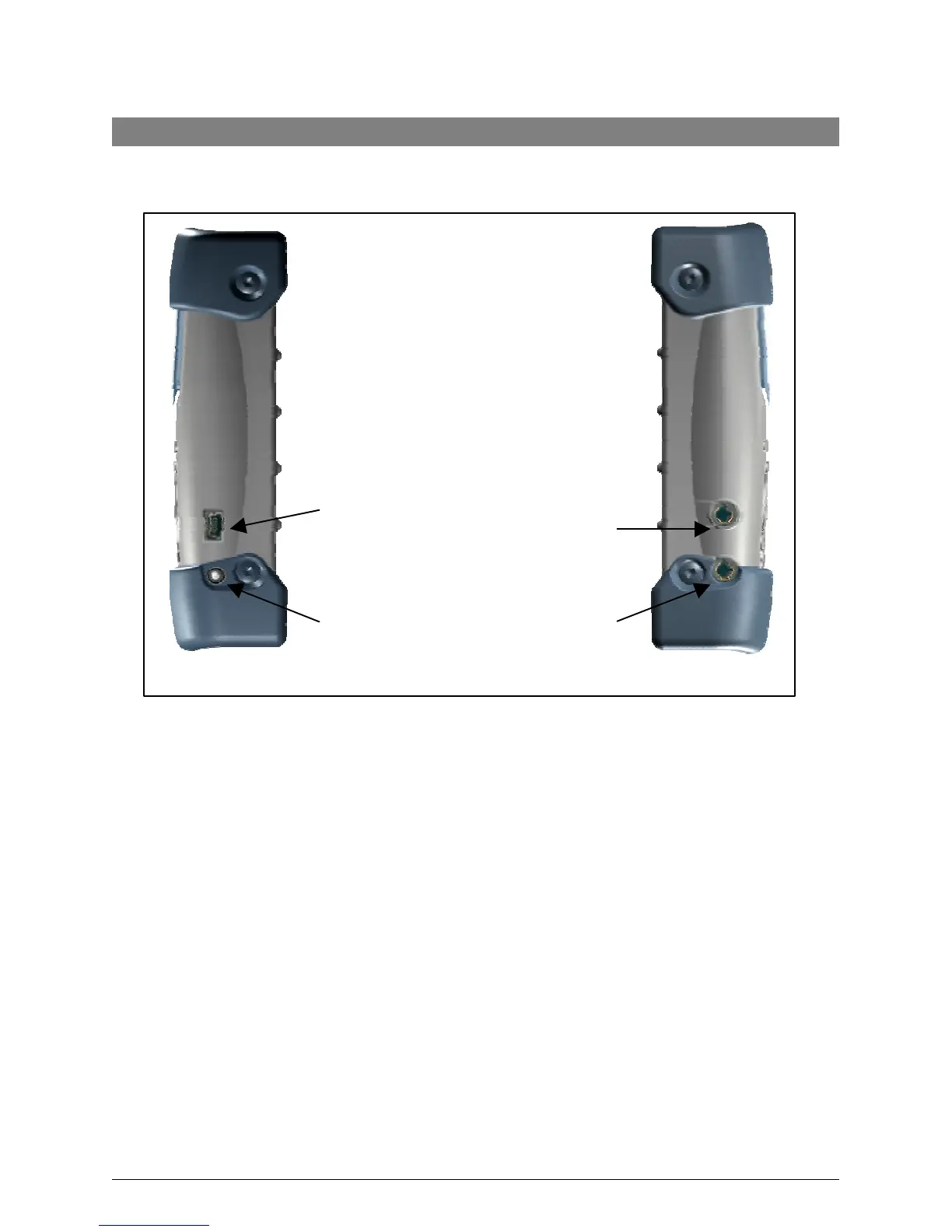
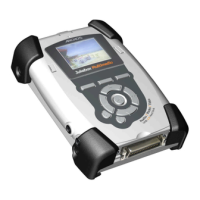
USB 2.0 CONNECTION
Use this plug to connect your Jukebox FM Recorder to your computer with the supplied USB
cable. If your computer only has a USB 1.1 port, then the transfer speed will not be as fast as a
USB 2.0 connection.
DC POWER IN PLUG
Use this plug to connect your DC Power Adapter. Use ONLY the included ARCHOS AC
Adapter. Your Jukebox will display a message screen to indicate charging is in progress. You
can use your Jukebox during the charging period.
LINE OUT PLUG
Use this plug to connect your stereo headphones, or to any external amplifier. Your stereo
headphones also act as an antenna for your FM receiver.
DIGITAL IN/OUT CONNECTION
Use this to record from any digital signal source (SPDIF) or to output to any digital device, such
as a mini disc recorder.
USB 2.0
connector
Earphone/line
out Analog
DC Power in



 To Next Page