Washing Machine / User’s Manual
39 / EN
4.3 Operating the product
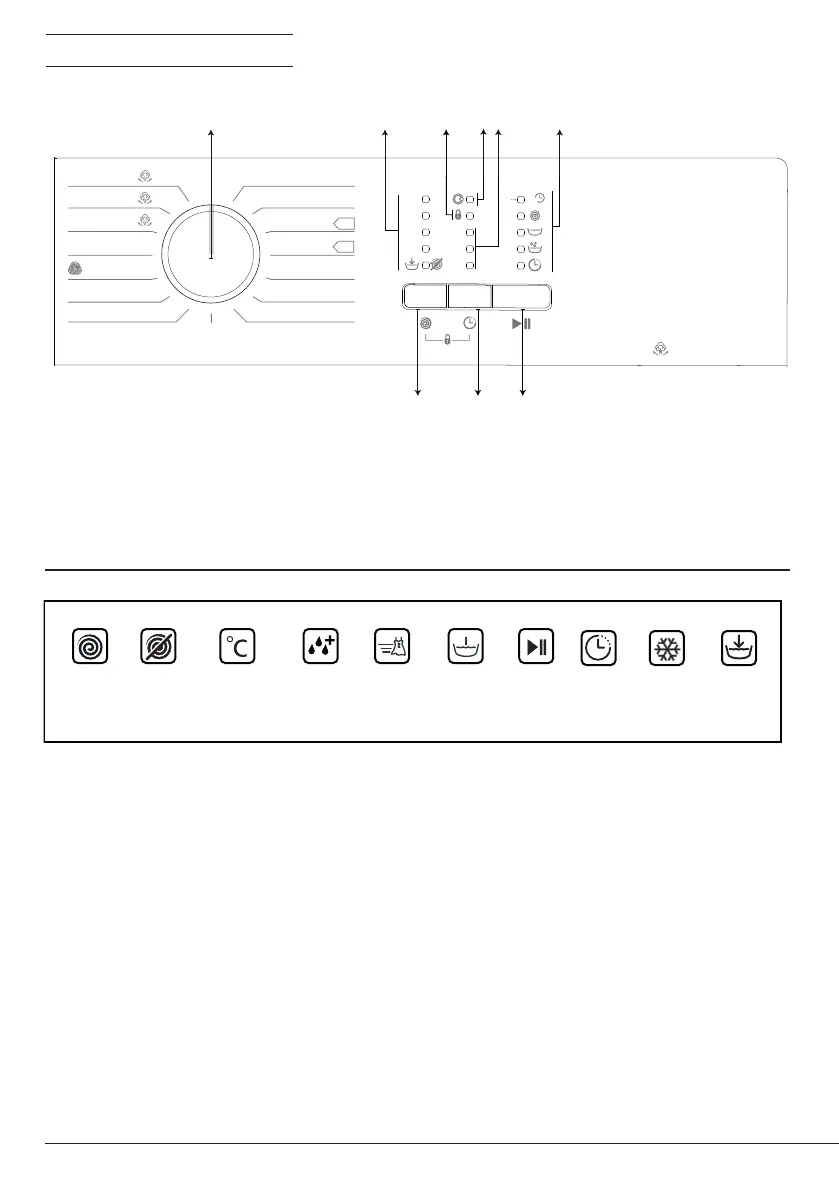
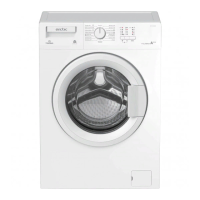
4.3.1 Control panel
1 - Programme Selection knob (Uppermost
position On / Off)
2 - Spin Speed Indicator LEDs
3 - Child Lock Enabled LED
4 - Door Lock Enabled LED
5 - Delayed Start Indicator LEDs
6 - Programme Follow-up LEDs
7 - Start / Pause Button
8 - Delayed Start Setting Button
9 - Spin Speed Adjustment button
4.3.2 Preparng the machne
1.Make sure that the hoses are connected tightly.
2.Plug in your machine.
3.Turn the tap on completely.
4.Place the laundry in the machine.
5.Add detergent and fabric softener.
4.3.3 Programme selecton and tps for effcent washng
1.Select the programme suitable for the type, quantity and soiling degree of the laundry in
accordance with the "Programme and consumption table" and the temperature table below.
2.Select the desired programme with the Programme Selection knob.
9h
6h
3h
1000
800
600
400
APL71012BDW0
Bumbac 20°
Bumbac 40°
Bumbac 90°
Bumbac Eco
40°
Bumbac Eco 60°
cu Prespălare
Bumbac 60°
Cl
ătire
Autocur
ăţare
Stoarcere
Evacuare
Geci cu puf 40°
Sintetice 20°
Sintetice 40°
Lână 40°
Spălare manuală
40°
Spălare Rapidă 30°
Cămă
Ș
i 40°
On/
Off
endAnulare
Steam Clean
1
2 3 4 6
5
789
Temperature Time
Delay
Cold
Spin No Spin
Start/Fast
Pause
PrewashRinse plus Rinse hold


 To Next Page