EasyManua.ls Logo

ARG CSD-09QD - Indicator Light

Default Icon
Print Icon
To Next Page IconTo Next Page
To Previous Page IconTo Previous Page
Loading...
USER’S MANUAL
-10-
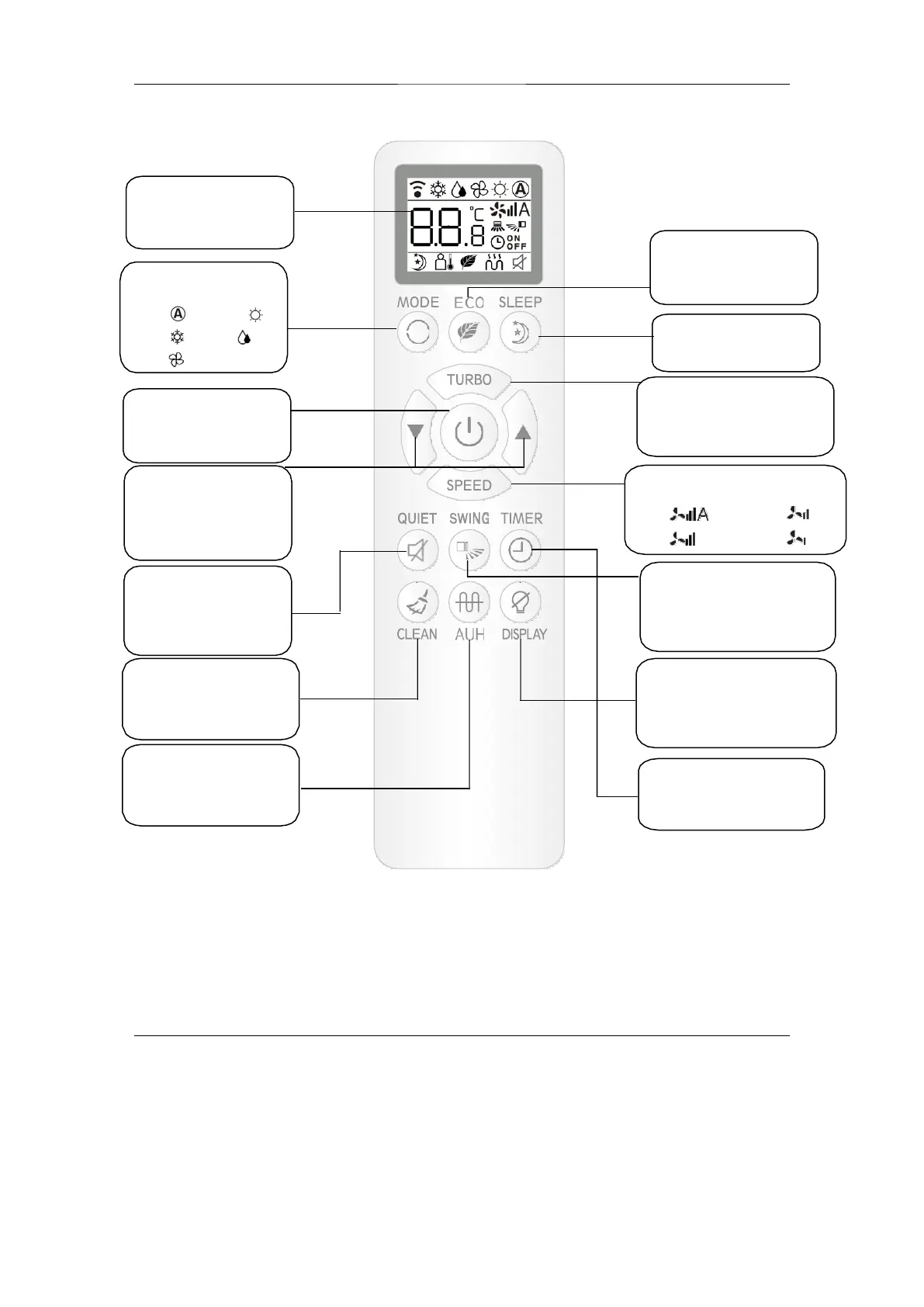
Display Screen
For setting display
Mode selection Button
For selecting
ECO Button
To start or stop ECO
function.
AUTO
COOL
FAN
HEAT
DRY
Sleep Button
For setting sleep function.
On/Off Button
Press this button to start /
stop air conditioner.
Turbo Button
To start or stop turbo function
when air conditioner is in
heating or cooling mode.
Temp Adjustment
Buttons
Press
to decrease
temp. Press
to
increase temp.
Fan speed button
For selecting indoor fan speed .
Auto
High
Medium
Low
Quiet Button
Set the air conditioner
operating in low noise.
Airflow sweep Button
For changing
vertical
blades
position and
swing or not.
Clean Button
Press this button to turn
onself-cleaning technology
Display Button
To start or stop display
when air conditioner is in
running
AUH Button
Press this button to turn
on AUH function in
heating mode
Timer selection
Button
Press this button to
select timer.