20
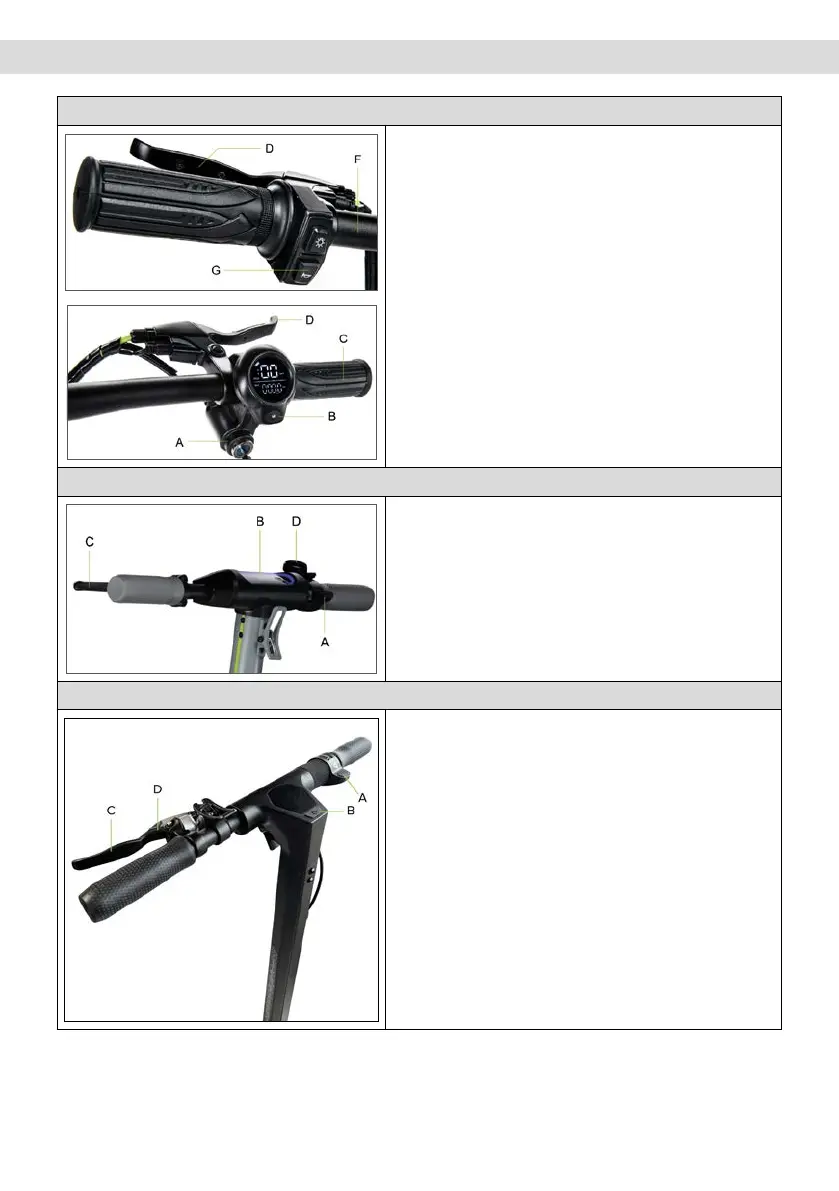
5. Command information / Control panel
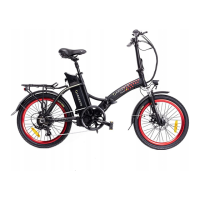
Active Bike
Ignition switch (A), to turn the display on/o, insert key
into the ignition switch and turn the key to the right.
Function button (B): press button (B) briefly once to
select the desired speed level.
Throttle (C): turn the handle downwards to accelerate.
Front brake (D): pull the lever to brake
Rear brake (E): pull the lever to brake
Lights: press button (F) once to turn on/o.
Bell: press button (G) once to activate.
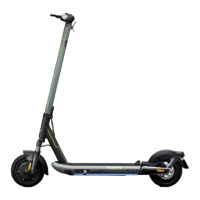
Active Sport
Throttle (A): press down to accelerate.
Power button (B): press to switch the item on/o.
Brake lever (C): pull the lever to brake
Speed level change: press the button (B) twice to
select the desired level.
Lights: press the button (B) once to switch them on/o.
Horn: press the button (D) once to activate it
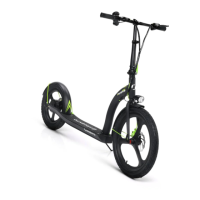
Argento by Pininfarina KPF
Throttle (A): press down to accelerate.
Power button (B): Press to switch the item on/o.
Brake lever (C): pull the lever to brake
Speed level change: press the button (B) once to
select the desired level.
Quickly press 3 times in a row to switch from Km/h to
Mph.
Quickly press 4 times in a row to switch from ODO to
TRIP.
Lights: press the button (B) twice to switch them on/
o.
Horn: press the button (D) once to activate it


 To Next Page