14
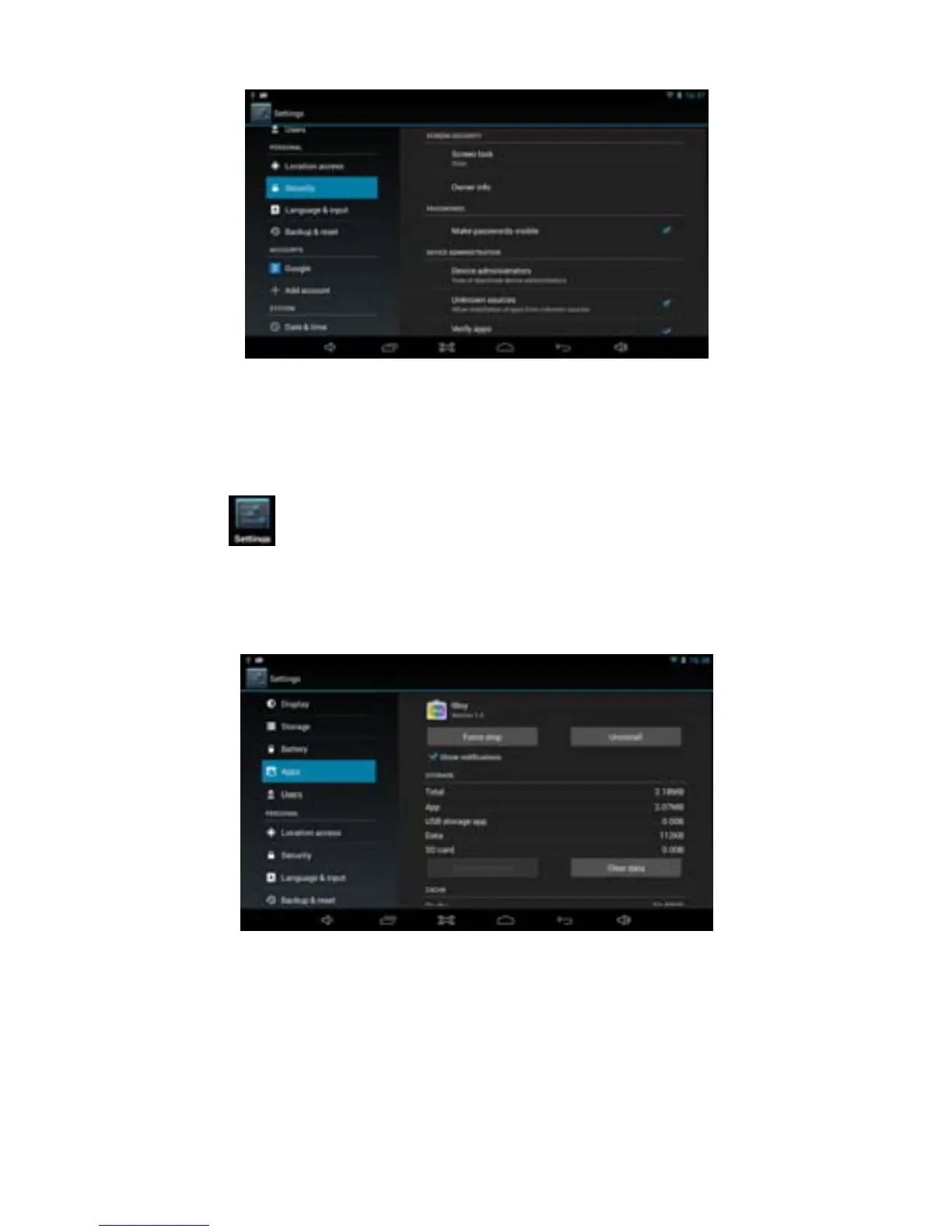
Unknown sources: Click “Unknown Sources”, then click “OK”.
Manage application: manager and uninstall application.
Remark】: When you firmware upgrade, please close the USB connect.
How to uninstall?
1. Enter
“Settings”>”Application”>”Manage application” and then
there will be installed the program list.
2. Click you want to uninstall icon, will enter the following interface.
3. Click Uninstall, then you can delete the application.
3.8.3 Privacy
Restore to factory settings
When there are great errors in your MID or you forget the passwords, you
can use Restore to factory Settings to restore them to Initial State.
Methods:
1. On the homepage interface, press Menu key.



 To Next Page