15
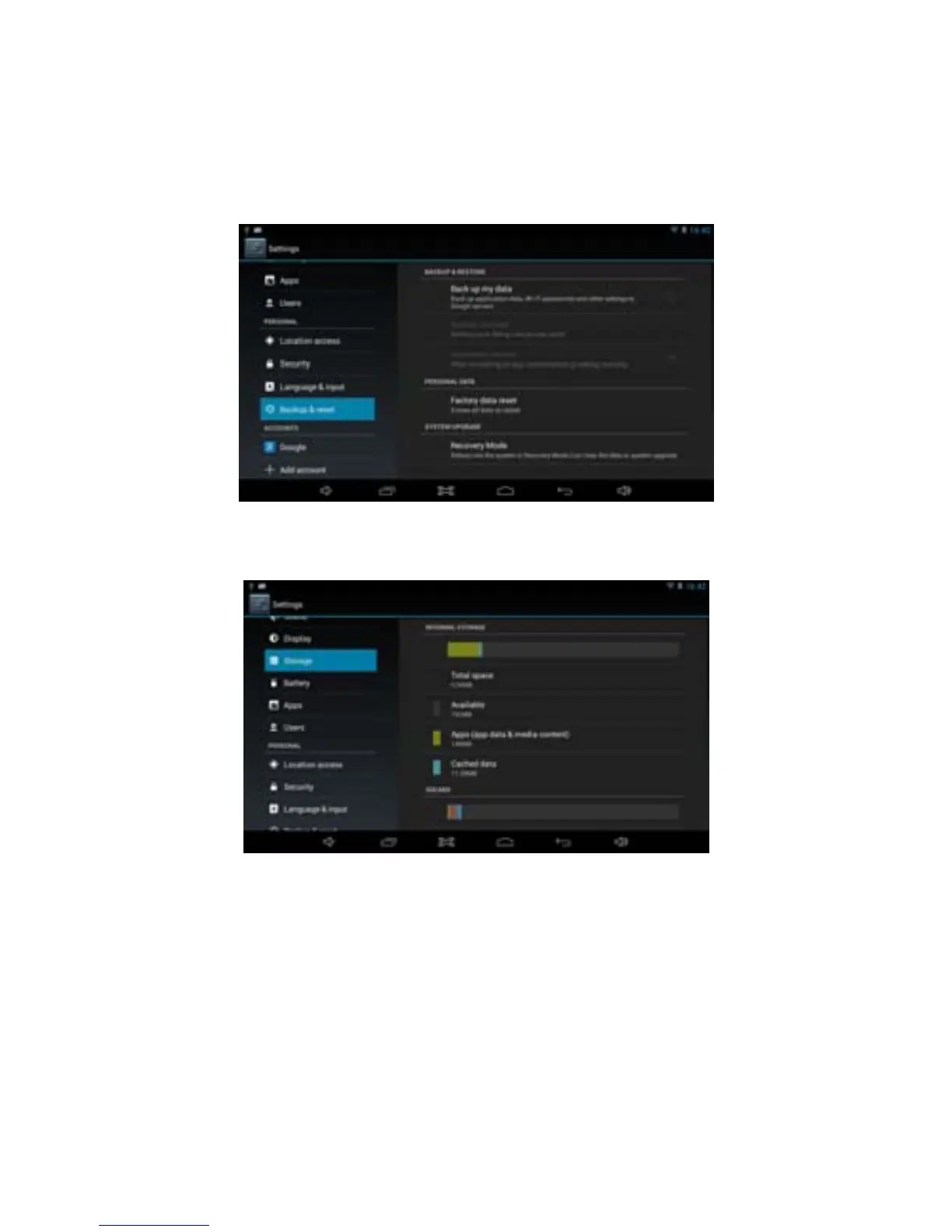
2. Click Settings.
3. Click Backup & reset.
4. Click Factory data reset.
5. Wait for the system to restart.
3.8.4 Storage
Remove TF card, view of the available storage space.
【Remark】: Please touch option “delete SD card”, so that can remove SD
card safety.
3.8.5 Language & Keyboard
Settings: Language, text input and automatic error correction options.



 To Next Page