GB - 10
3. Check the level of the engine crankcase
oil before each use.
NOTE: The engine is shipped with oil in
crankcase. Refer to Engine Manual for
detailed instructions.
4. Set-up mower for bagging, side
discharge or mulching. See MOWER
SET-UP on page 13.
NOTE: The mower ships with the rear wheels
and the front wheels set for different cutting
heights. This position is not suitable for
cutting grass. Before mowing, make sure the
wheels are set at the same cutting height in a
range appropriate for your mowing
conditions.
5. Set the proper cutting height. See
CUTTING HEIGHT ADJUSTMENT on
page 11.
6. Fill fuel tank. See FILLING THE FUEL
TANK on page 12.
7. Connect spark plug wire.
8. Check the engine/blade control feature.
Try starting the engine without the
engine/blade control held against the
handlebar. Engine must not start. If
engine starts, stop engine and bring the
unit to your dealer for adjustment or
repair.
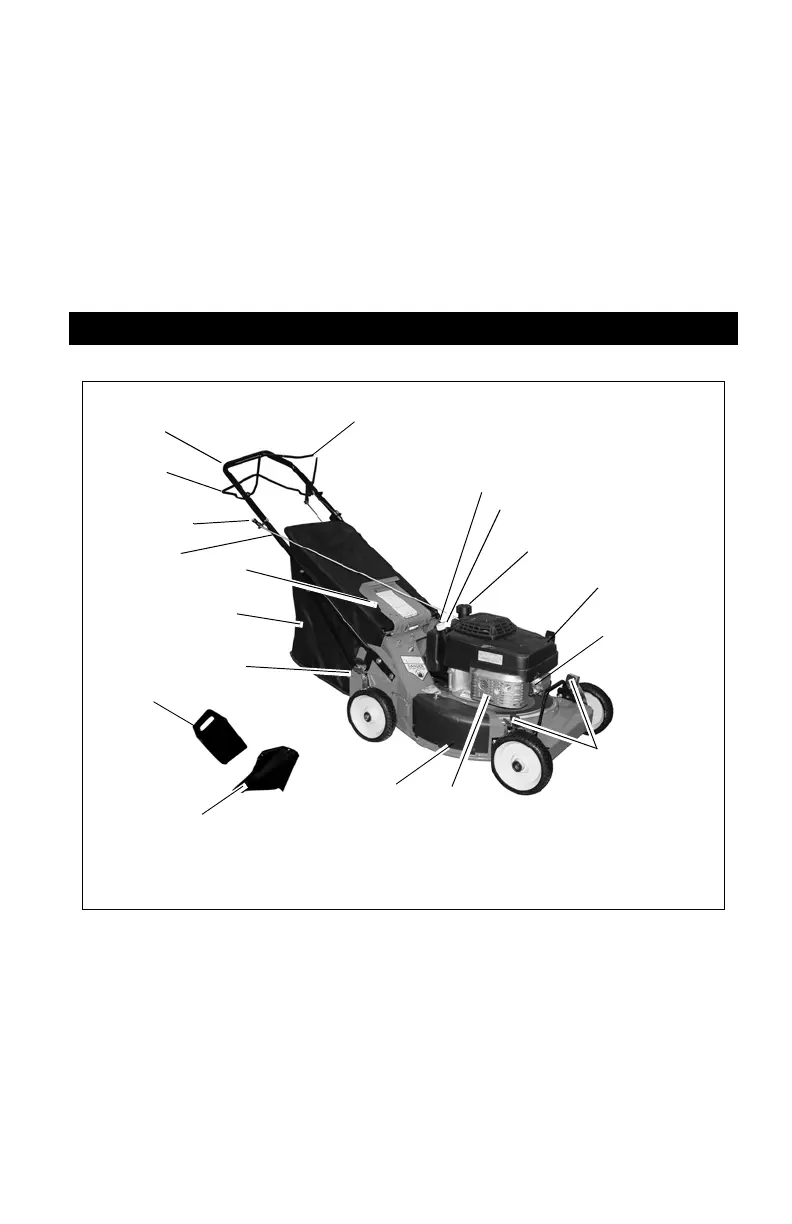
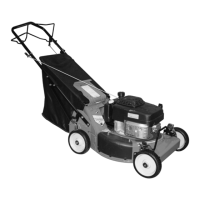
1. Handlebars
2. Wheel Drive Control
3. Engine/Blade Control
4. Oil Fill/Dipstick
5. Fuel Tank and Cap
6. Air Filter
7. Primer Bulb
8. Muffler and Muffler Guard
9. Mulch Cover
10. Cutting Height Levers
11. Grass Bag
12. Rear Door
13. Recoil Starter Handle
14. Side Discharge Chute
15. Mulch Plug
CONTROLS AND FEATURES
Figure 6
OM3155
2
1
3
4
5
6
7
8
9
10
11
12
13
15
14
10




 To Next Page