6
EN
Do not clean the jug with metal scouring pads, abrasive cleaners, or other mate
rials that could scratch the glass.
Do not use the carafe if it was heated dry for too long: replace it with another
original jug.
6$9(7+(6(,16758&7,216)25)8785(5()(5(1&(
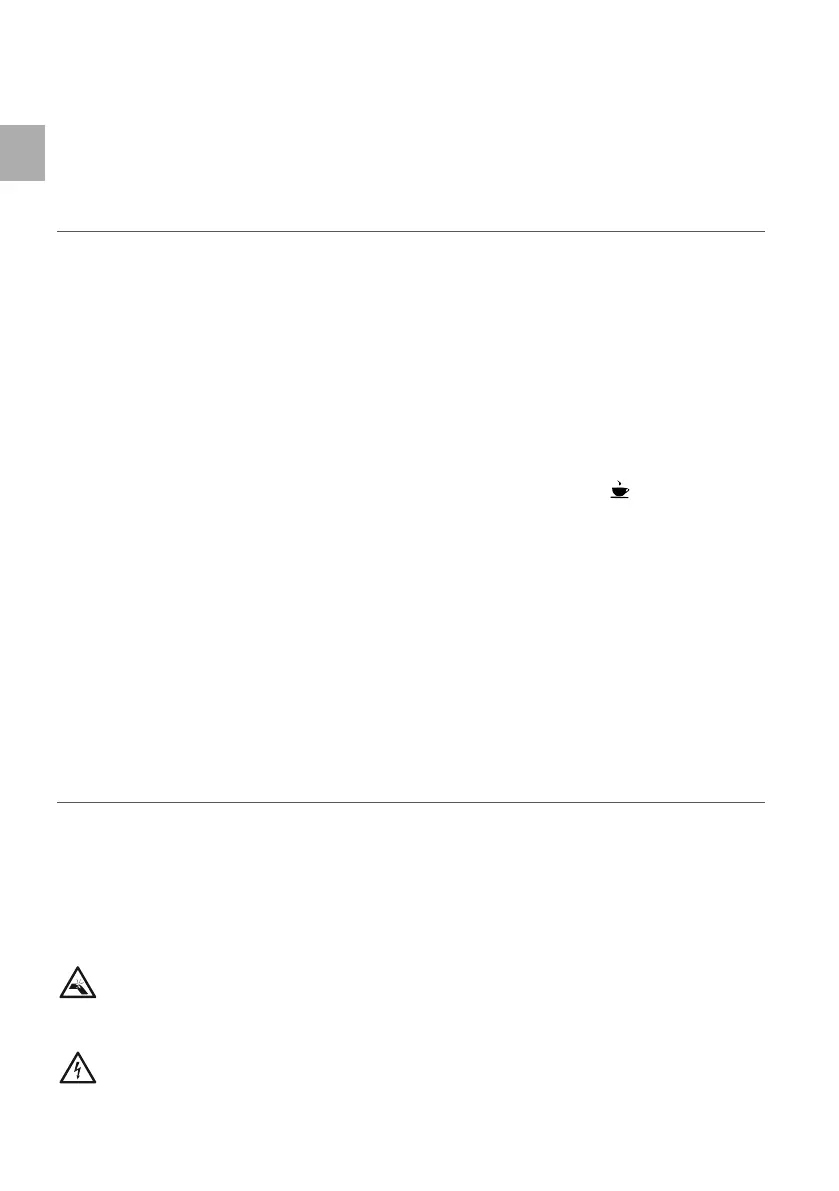
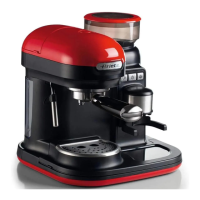
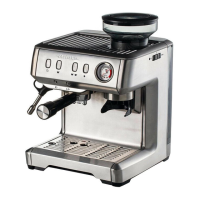
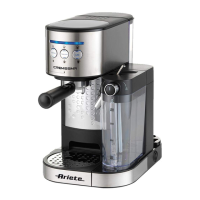
'(6&5,37,212)7+($33/,$1&(
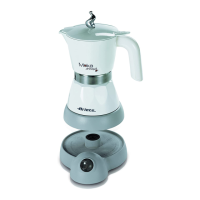
A -ug K Cable compartment
% Carafe handle / 3ower cord 3lug
C Carafe lid 0 +ot plate
D Dispensing spout N Display
( )ilter holder seat 2 02D(
) Water tank 3 S(/
* Water level indicator 4 A8T2
+ Coffee ¿lter 5 %utton for setting the hours +5
I 5emovable ¿lter holder S %utton for setting the minutes 0IN
- Tank lid
T Coffee dispensing button 2))
,GHQWLÀFDWLRQGDWD
In the label located under the support base of the machine there is the following identi¿cation data
of the machine:
manufacturer and c0(Tus marking
model 0od.
serial number SN
electrical supply voltage 9 and frequency +z
electrical power consumption W
assistance tollfree phone number
When ordering at Authorized Service Centers, indicate the model and serial number.
,16758&7,216)2586(
Starting the appliance
1 Check that the domestic mains voltage is the same as the voltage indicated on the label of the
device.
5emove the packaging materials from inside and outside of the appliance.
Then place the unit on a Àat surface. 3lace the appliance at a distance of at least 1 cm. in
from walls, furniture or other appliances.
Warning
5isk of damage to the appliance surface. The appliance high temperature can cause the support
surfaces lamination. 3lace a cloth or a mat between the appliance and the supporting surface.
Warning
5isk of power line overload. 0ore appliances connected to a single electrical outlet can
cause a short circuit. Connect the device to an electrical outlet free from other appliances.



 To Next Page