
 Need help?
Do you have a question about the Arista 7280CR2 30 Series and is the answer not in the manual?
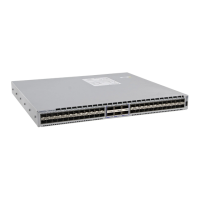
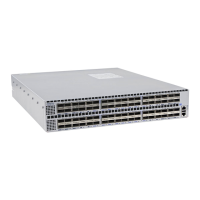
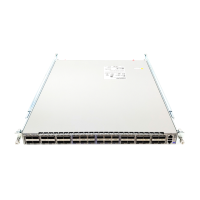
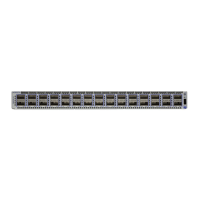
Defines the intended audience and the Arista Networks Data Center Switches covered by the guide.
Covers inspecting shipping boxes, handling potential damage, and verifying received items against the packing list.
Outlines installation tasks and directs users to safety documents and support resources.
Provides methods for obtaining technical assistance and details key switch specifications.
Criteria for choosing an installation site, including temperature, ventilation, airflow, and rack space considerations.
Lists required tools and parts for installation and provides guidelines to prevent ESD damage.
Provides instructions for mounting the switch in a two-post rack, covering bracket assembly and installation.
Provides instructions for mounting the switch in a four-post rack, covering rail assembly and securing the switch.
Instructions on grounding the switch and guidelines for connecting AC and DC power supplies.
Details supported AC (PWR-1600AC) and DC (PWR-1611-DC) power supplies and their connection requirements.
Details how to connect serial (RJ-45 to DB-9) and Ethernet management ports.
Guides through canceling Zero Touch Provisioning (ZTP), logging in as admin, and setting initial configurations.
Details steps to set an admin password, configure the management port IP, and define a default route.
Explains how to save the running configuration to the startup configuration for persistence.
Describes system, fan tray, and power supply status LEDs on the front panel.
Covers status LEDs for fan and power supply modules accessed from the rear panel.
Lists parts for mounting the switch in four-post and two-post racks from the accessory kit.
Details the quantity and types of cables provided in the accessory kit, including power and adapter cables.
Notes on hot-swappable components, slot filling, and safety warnings before performing maintenance.
Detailed steps for safely removing and installing power supply units into the switch.
Procedures for removing and installing fan modules, including hot-swapping and verification.
Lists the Regulatory Model Numbers (RMNs) and their corresponding product numbers for the switches.
Provides a link to the Taiwan BSMI RoHS information for the switches.


 To Next Page
 General