1X-F Series Operation Manual 3
Control panel overview
This topic provides an introduction to the control panel interface, operator
controls, and indicators.
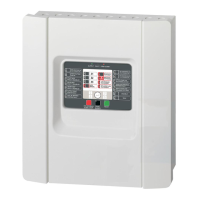
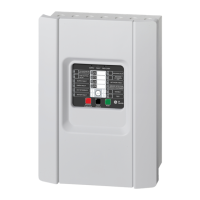
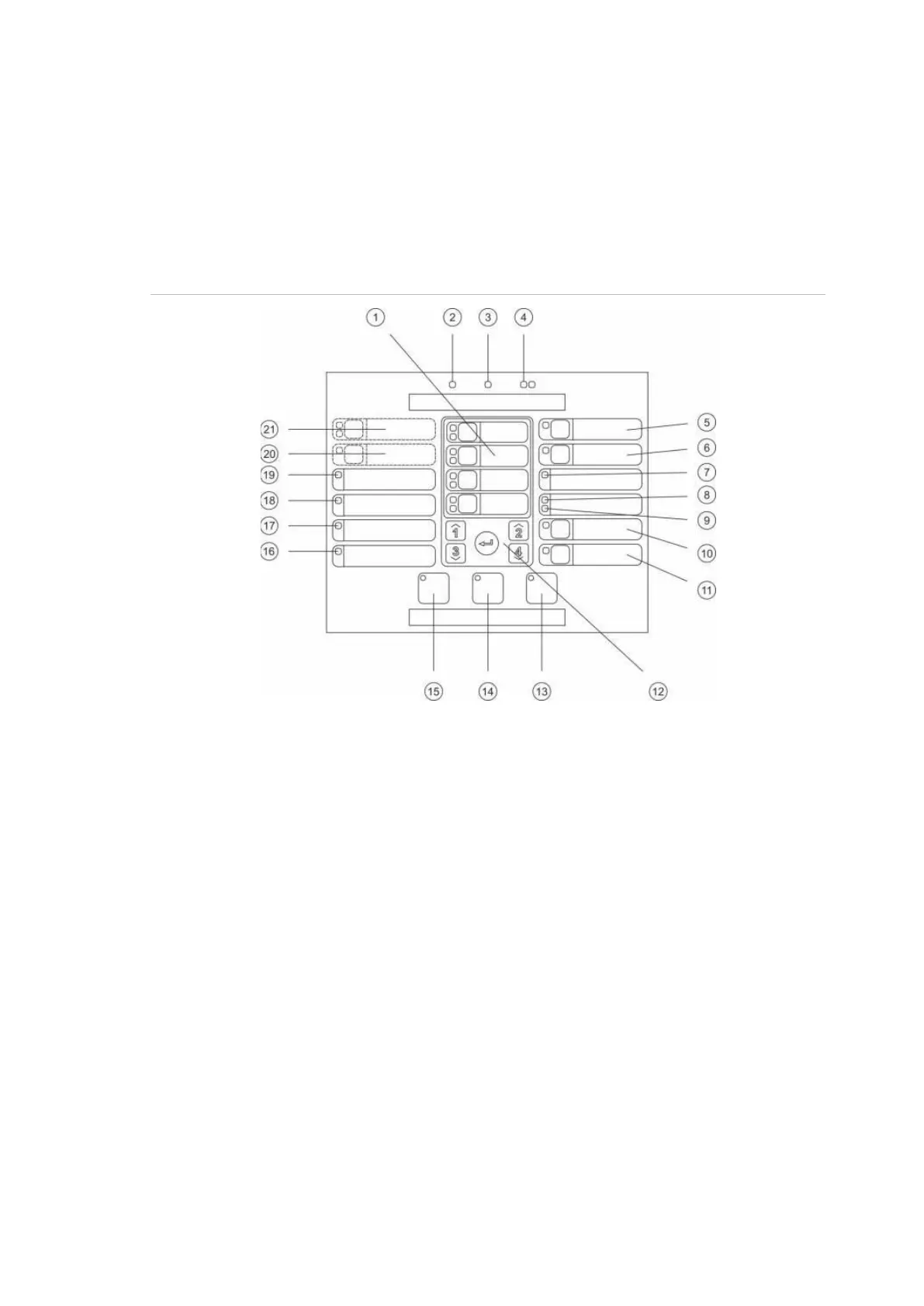
User interface for two- and four-zone control panels
Figure 1: User interface for two- and four-zone control panels
. Zone buttons and LEDs (Z1, Z2, etc.)
. Supply LED
. General Fault LED
. General Fire Alarm LEDs
. Sounder Fault/Disable/Test button and LED
. Sounder Delay button and LED [2]
. Networking Fault LED
. Service Detector LED [2]
. Expansion I/O Fault/Disabled LED
. General Disable button and LED
11. General Test button and LED
12. Configuration controls
13. Reset button and LED
14. Panel Silence button and LED
15. Sounder Start/Stop button and LED [2]
16. System Fault LED
17. Out of Service LED
18. Earth Fault LED
19. Supply Fault LED
20. Fire Routing Delay button and LED [1][2]
21. Fire Routing ON/ACK and
Fault/Disable/Test button and LEDs [1][2]
Two-zone control panels do not include fire routing or warning sounders for NEN 2535.
Regional variants include changes to interface buttons and LEDs as shown in Table 4 on


 To Next Page
 Loading...