78 79
CZ CZ
1. During installation, we recommend that you allow all
authorisations that you will be requested, including the
running of the app in the background.
2. Depending on your mobile phone model, we also
recommend checking setting authorisations in the app
management in your phone, especially location tracking.
3. Before pairing, activate Bluetooth (making sure it is
visible for all devices for an unlimited time) and GPS in
your phone. Do not pair the watch using the Bluetooth
menu of the phone.
4. Open the Glory Fit app. It is recommended that you
create an account.
5. The watch should be as close as possible to the phone
during pairing.
6. Tap on the “Device” icon in the app (bottom ) and then
on “Select device” (Fig. 1).
7. Select your device from the list of the devices shown
(Fig. 2).
8. Once the devices have been paired, set the watch
functions in the app (Fig. 3).
9. To allow for more precise measurements, it is
recommended that you fill in your personal profile in
the app.
Charging and Switching On
1. The watch must be fully charged before first use. Use
the charging cable supplied with the watch. Always
charge the watch for at least 2 hours and do not move it
while it is being charged.
2. Connect the charging cable to the USB port of your
notebook (it must be plugged in) or conventional
mobile phone adapters (5 V) and attach the magnetic
connectors at the opposite end of the cable to the
charging contacts. While charging, the magnetic
connectors of the charging cable must not come into
contact with the strap or metal components. It could
result in the charger short-circuiting or strap being
damaged. Therefore, always charge the watch only with
the strap detached.
3. If the watch’s display does not come on on its own,
gently press the side button for at least 3 seconds.
Pairing the watch with a mobile phone
Watch settings, the current time and date and their proper
operation require that the watch be paired with a mobile
phone via the recommended Glory Fit app. Do not pair the
watch to your mobile phone via your phone’s Bluetooth; al-
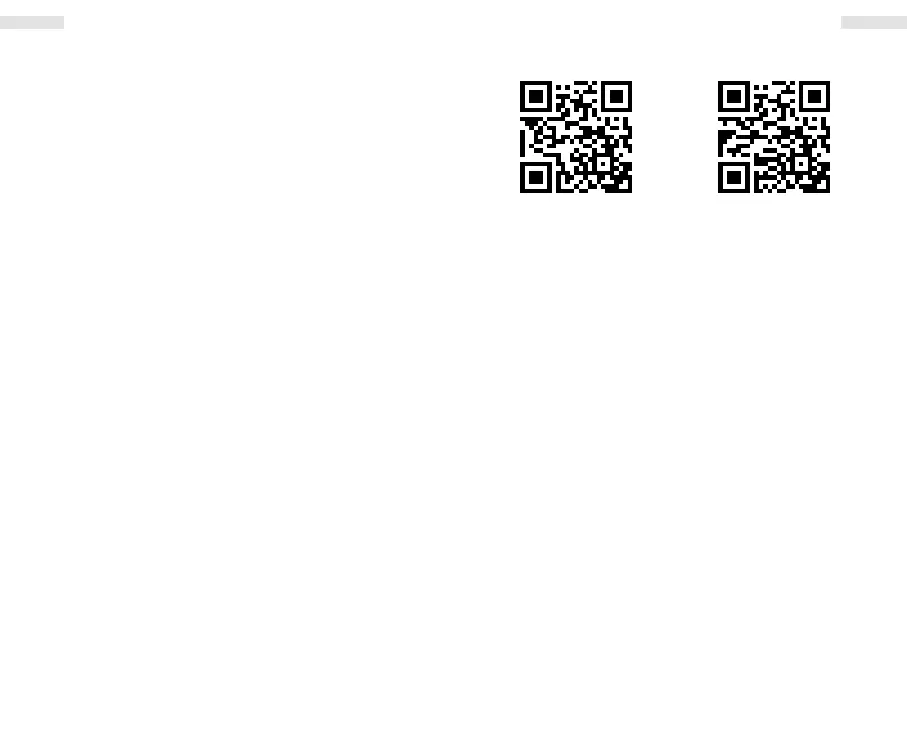
ways use the app. You can download the app using the QR
code below or look it up in Google Play or the App Store.
Android iOS
EN EN


 To Next Page