86 87
CZ CZ
Other functions must be set and allowed in the Glory Fit
app, and their operation depends on both the specific
phone model and settings as well as the current version
of the watch. These include various notifications (calls,
SMS, social media), alarm, remote shutter, physiological
cycle (Fig. 9), do not disturb mode, prolonged sitting
reminder, display activation by wrist movement, etc.
Important notifications, recommendations
and FAQs
1. To save the values measured and the current date and
time, make sure you synchronise the watch with the app
on a daily basis. During the night, the values measured by
the watch may reset.
2. This product is not a medical device. Neither the watch
nor the app are intended for the diagnosis, treatment or
prevention of illnesses and symptoms thereof. The values
measured are illustrative and may differ from values
measured by certified medical devices as well as because
of the method of measurement and tightness of the strap.
The sensor on the reverse side of the watch must be in
contact with the wrist, and the strap must be tight. If the
strap is loose and the sensors dirty, the precision of the
measurements will be compromised.
3. In order to ensure correct date and time settings, the
watch must be paired with a phone. Then the date and
time will be set automatically.
4. We strongly recommend preventing the watch coming
into contact with water. The watch is not to be used in wet
environments, e.g. when bathing, swimming, showering,
diving, etc. The watch is not water resistant and water may
damage the interior. Attention must also be paid to hot
(warm) water, steam, etc., as it may (due to wear and tear
of the casing, mechanical damage or microscopic cracks
in the seal) seep into the watch and cause damage. Upon
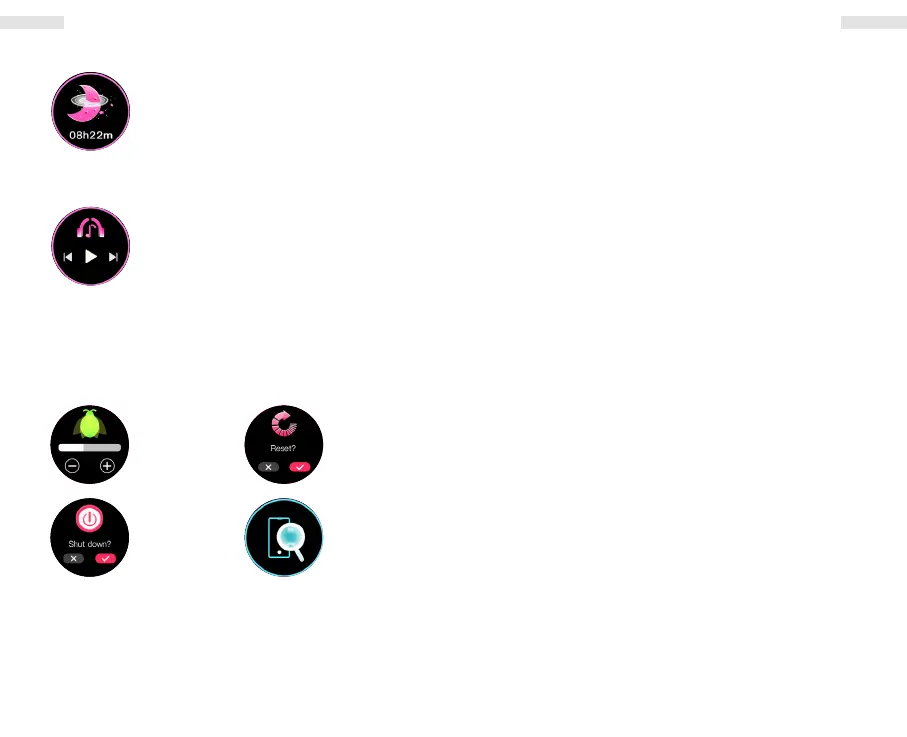
Sleep
This function monitors your sleep
automatically at night, as long as you have
your watch on. The sleep data will be
displayed the following morning in the app
as well as on the watch.
Phone’s music player
Tap to enter the music player menu. Tap
to play/stop, skip one track forward or
backward. The audio output is from the
phone, which is why the watch must be
paired with the phone.
Settings
Brightness
Power
Reset
Find
phone
EN EN


 To Next Page