81
CZ
Watch controls
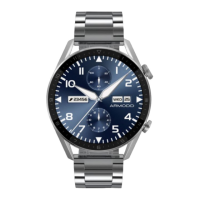
Buttons
Button 1
- Press and hold to turn the smartwatch on/off.
- Press briefly to activate the display or return to the menu.
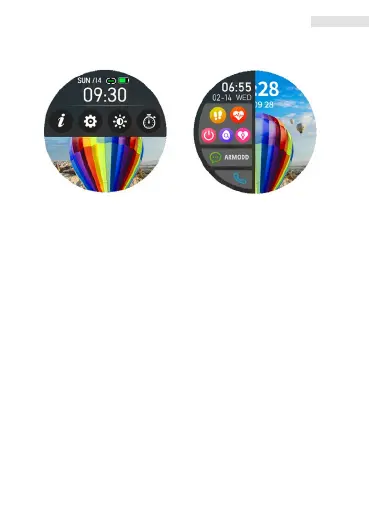
- To change the menu’s appearance, press 2x in the menu.
- Carefully turn the button and choose among watch faces
or browse functions.
Button 2
- Press briefly to enter the sport menu.
- If the display is switched off, press briefly to switch it on.
Press the buttons gently so as to not damage them. You may only
carefully turn the button 1. You must not turn the button 2.
Fig. 6 Fig. 7
EN


 To Next Page