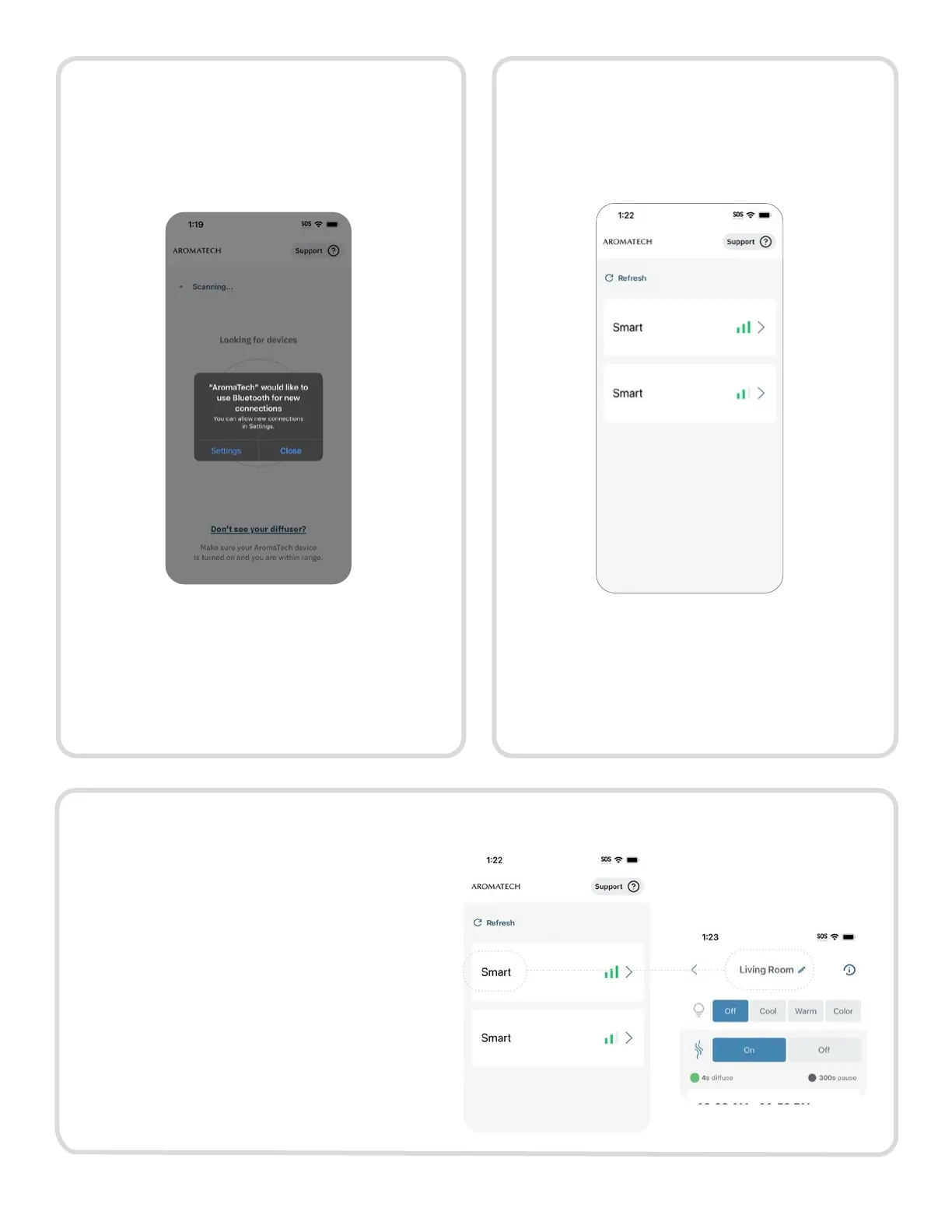
Step 3.
Step 4.
Step 5.
Ensure Bluetooth is enabled on your
phone.
Open the AromaTech app. You will
receive a prompt to allow Bluetooth
permissions for the AromaTech app.
On the Diffuser List screen, select
the diffuser you would like to set up.
After selecting the diffuser, continue
to set up your schedule, lighting and
intensity.
1. Selecting the edit icon beside the
diffuser’s name (default: “Smart”)
2. Type in the desired name in the text
box.
Note: The maximum number of
characters allowed is 13.
3. Click “Save” to save changes or “Leave
without saving” to discard changes.
10



 To Next Page