EasyManua.ls Logo

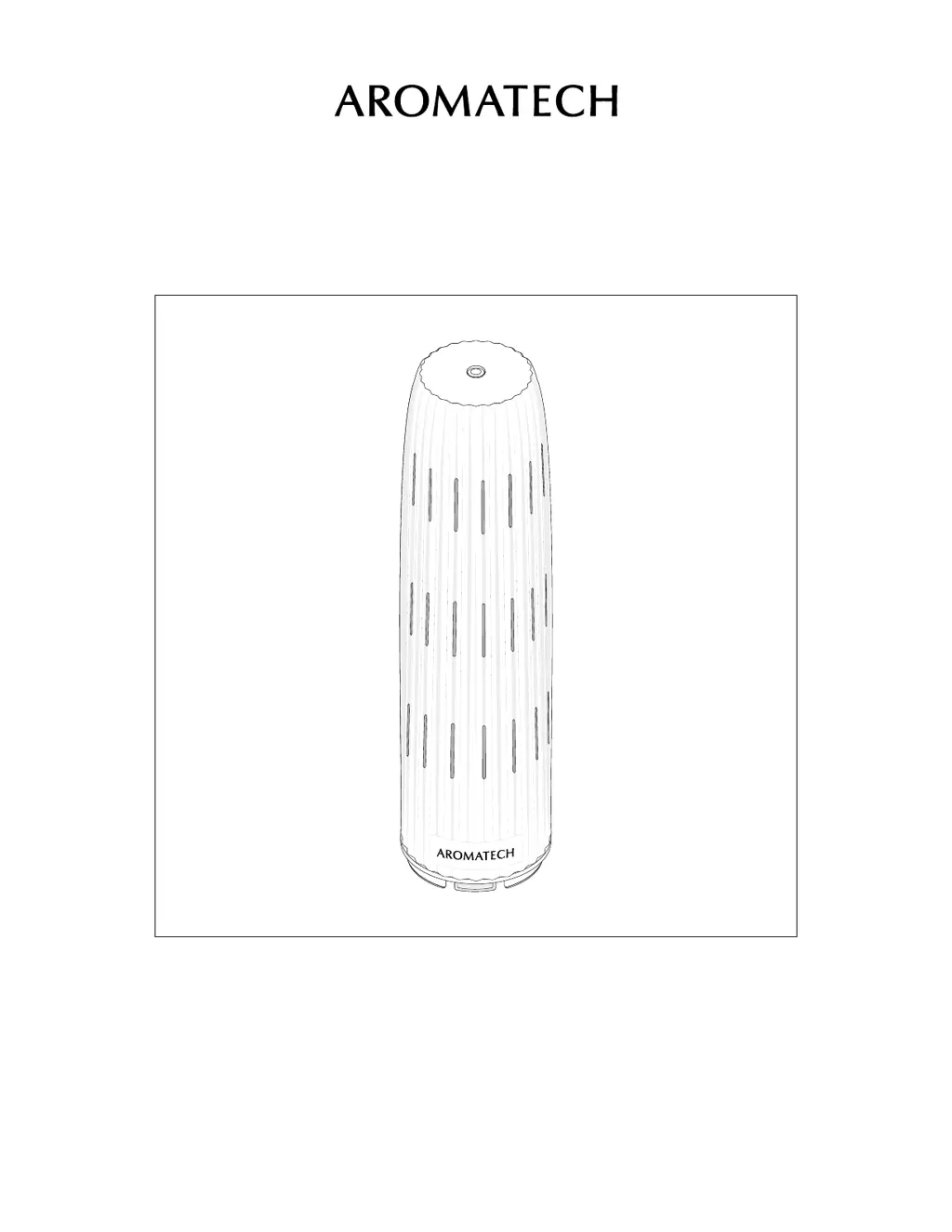
AromaTech Ambience - User Manual

AromaTech Ambience
30 pages
Print Icon
To Next Page IconTo Next Page
Loading...
Ambience

Questions and Answers

  • B
    belllindseyJul 29, 2025
    What to do if my AromaTech Ambience diffuser is not diffusing?
    • C
      Carrie MartinJul 30, 2025
      To troubleshoot your AromaTech Spa Accessories diffuser not diffusing: * If using the app, verify that the “Diffuser Control” is set to “On.” * If you’ve connected to the app, ensure you have at least one active schedule set to diffuse within the current time (day, start, and end time). An active schedule is not grayed out. * If the diffuser still isn't diffusing, try factory resetting it.
  • D
    Desiree MccoyAug 5, 2025
    Why is my AromaTech Ambience diffuser not following the schedule?
    • T
      tylerjacksonAug 5, 2025
      If your AromaTech Spa Accessories diffuser isn’t following the schedule you set in the app, ensure that the schedules you’ve created don’t overlap. If the issue persists, try resetting your diffuser: 1. Unplug the diffuser (if plugged in). 2. Hold down the power button while connecting the plug. 3. Release the power button after you hear 5 short beeps.
  • Q
    qcrossAug 11, 2025
    Why have my AromaTech Ambience Spa Accessories diffuser schedules changed?
    • T
      Tina PetersAug 11, 2025
      If your AromaTech Spa Accessories diffuser schedules have changed, it’s likely that someone edited your original settings or a factory reset was performed. You’ll need to readjust the settings to your preference.
  • R
    Robert PetersonAug 17, 2025
    How to stop my AromaTech Spa Accessories diffuser from gurgling?
    • H
      Heather WallAug 17, 2025
      If your AromaTech Spa Accessories diffuser is making a gurgling sound, it’s likely that you’ve overfilled the glass oil vessel. Simply pour out some of the oil in the glass oil vessel, ensuring you only fill to the shoulder of the vessel and not to the very top.
  • T
    teresa31Aug 23, 2025
    What to do if I can't turn off my AromaTech Ambience diffuser?
    • J
      Jessica CastroAug 23, 2025
      To manually turn off your AromaTech Spa Accessories diffuser, hold down the power button until you hear a long beep.

Summary

The Magic of Nebulization

Why is it Better?

Highlights advantages of cold-air diffusers over conventional methods like candles or ultrasonics.

Cold-air Versus Ultrasonic

Compares cold-air diffusers to ultrasonics, focusing on efficiency, ease of use, and maintenance.

Our Safety Promise

Set-Up

Step 2. Remove Cover

Remove the ceramic cover from the diffuser.

Step 3. Access Oil Vessel

Wiggle the diffuser nozzle to reveal the glass oil vessel.

Step 4. Unscrew Oil Vessel

Unscrew the glass oil vessel.

Step 5. Fill Oil Vessel

Fill the glass oil vessel with AromaTech aroma oil.

Step 6. Secure Oil Vessel

Screw the glass oil vessel back into place securely.

Step 7. Attach Nozzle

Align and push the diffuser nozzle onto the diffuser base.

Using the AromaTech App

Step 1. Download App

Download the AromaTech App from the Apple App Store.

Where to Place

Scent Intensities & Schedules

Maintenance

Troubleshooting

Device Operation & Reset

Addresses diffusion problems and provides a factory reset procedure.

Warnings

Warranty & Support

AromaTech Ambience Specifications

General IconGeneral
BrandAromaTech
ModelAmbience
CategorySpa Accessories
LanguageEnglish