Step 9.
To restart scent diffusion tap the “On” button in the Diffusion Control section and ensure
there are active schedules in the Manage Schedules section.
Step 6.
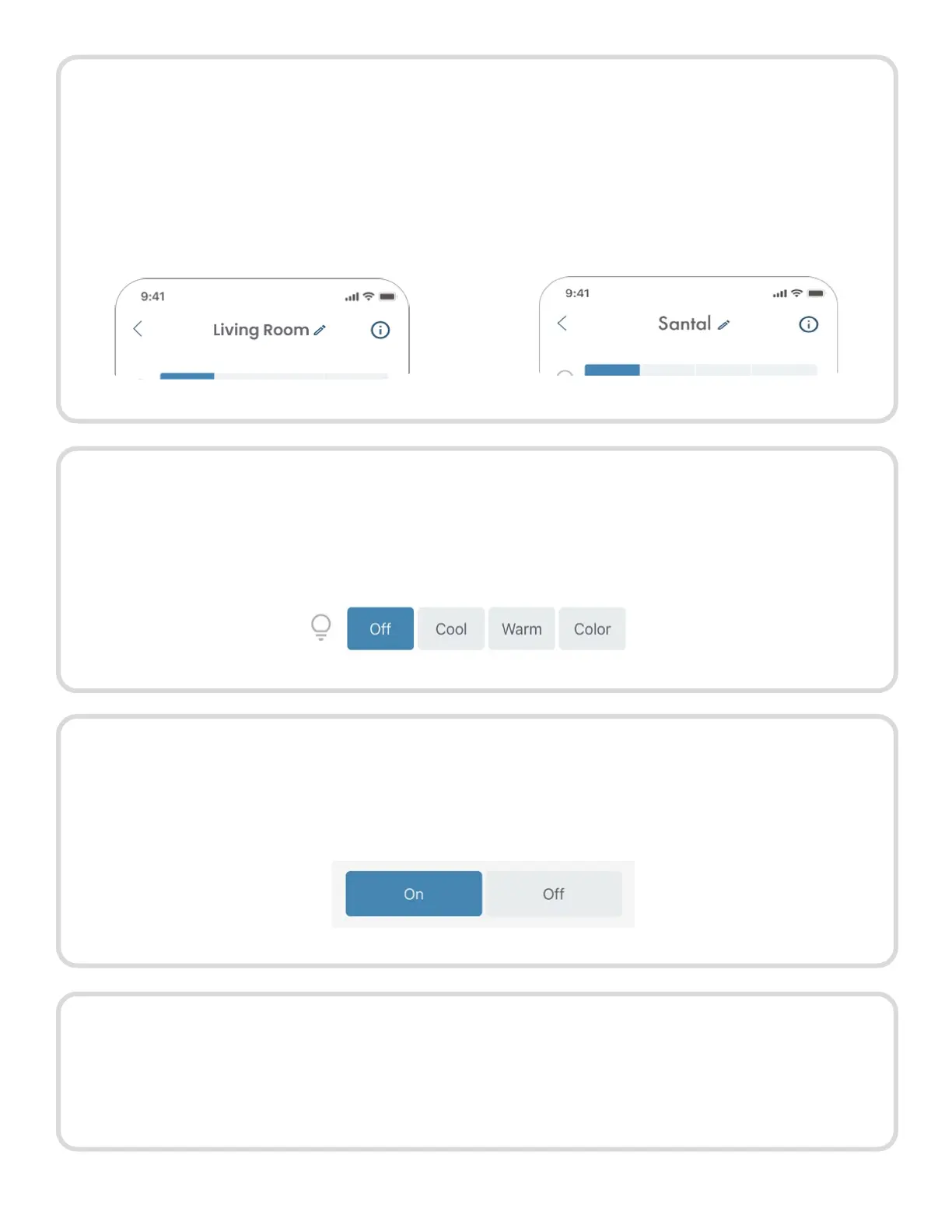
Device naming tips:
• Name your diffuser based on its
location to easily identify and adjust
schedules when using multiple
diffusers.
• Name your diffuser based on the
scent you have diffusing. This
ensure you remember what aroma
oil you have placed in the bottle.
Step 7.
Your AromaTech diffuser has 4 ambient light options: Off, Cool, Warm, and Color. To
adjust the light option click on the setting you desire. You’ll hear a beep and the button
will turn blue indicating that the option has been selected.
Step 8.
If you would like to turn off scent diffusion, tap the “Off” button in the Diffusion Control
section. All schedules will be disabled and grayed out. You can continue to edit any of
the five schedules.
11



 To Next Page