Using the AromaTech App
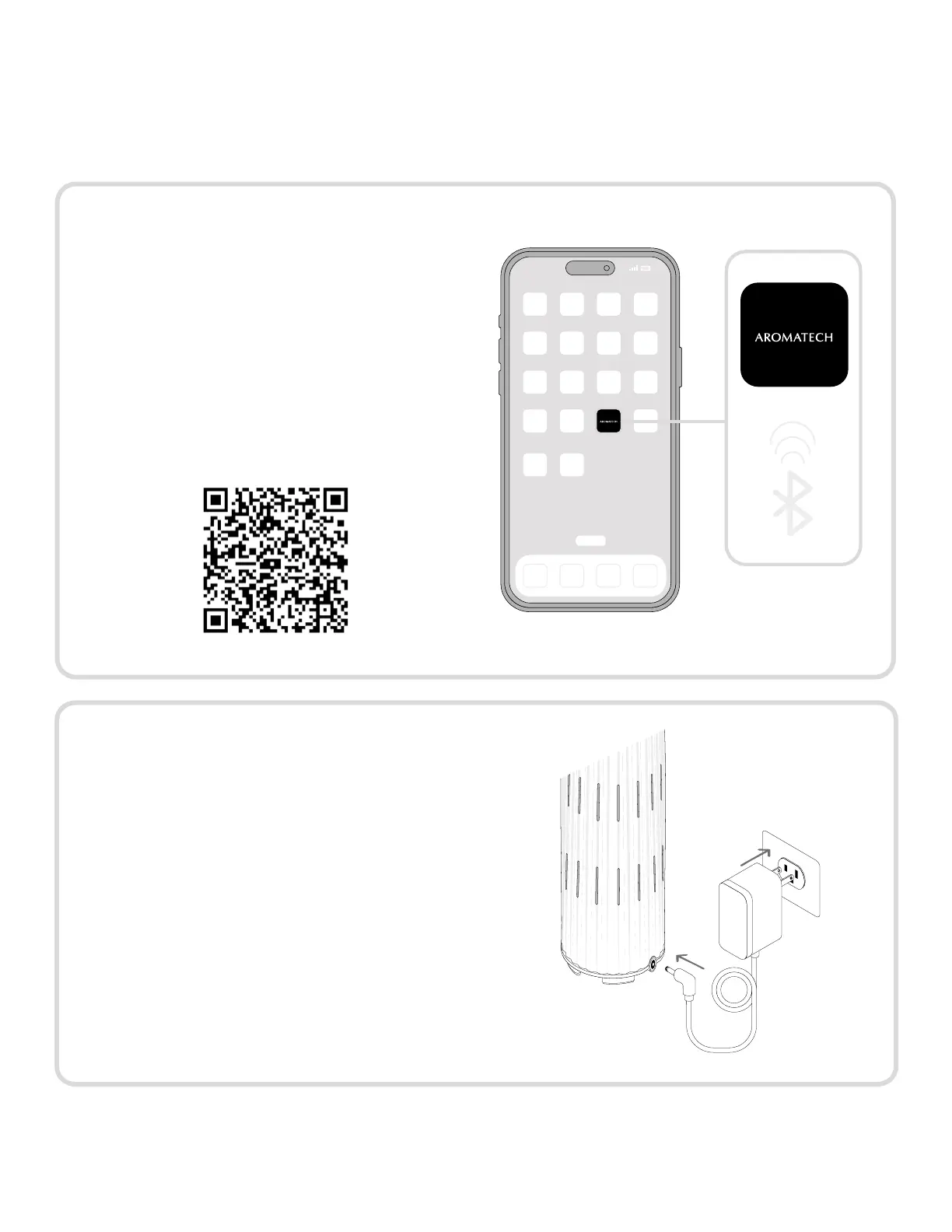
To start using your diffuser:
Step 1.
Download the AromaTech App from the
Apple App Store (iOS).
Note: The AromaTech app is currently
unavailable for Android devices.
Scan the QR code to download.
Step 2.
Make sure your AromaTech diffuser is
plued in.
Note: Your AromaDream
™
and Ambience
diffusers will start to diffuse upon being
plued in and will continue to diffuse during
setup.
For FAQs about AromaTech products in general, see: https://aromatechscent.com/pages/faq
9



 To Next Page