3600 SERIES USER MANUAL
3600 Series Programmable DC Power Supply
VERSION 2.10 2006.03
14
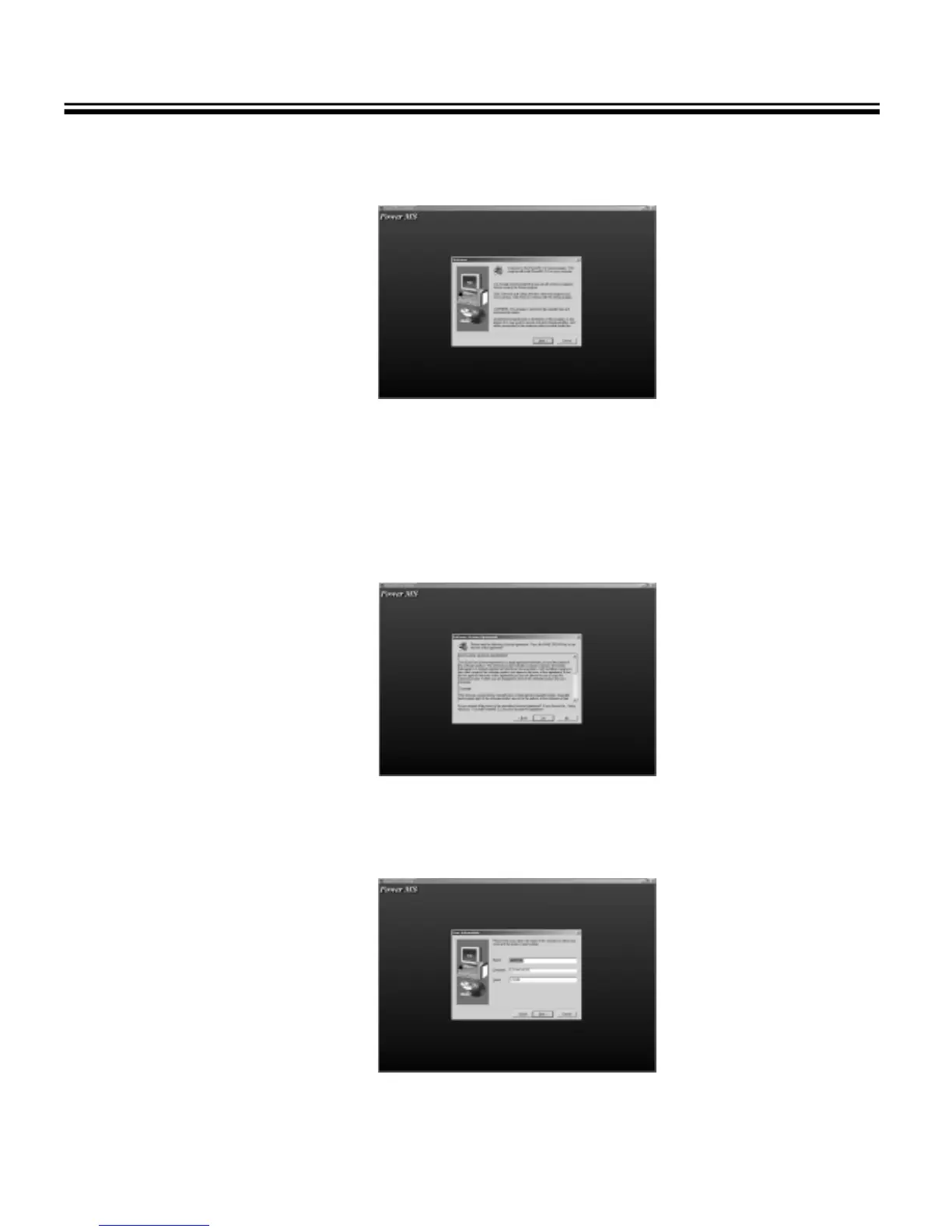
3.2.2 The Welcome dialog box displays, press “ NEXT ” to continue
Fig. 3-3 The Welcome dialog box
3.2.3 The License Agreement dialog box displays. Click “Yes” to accept the License Agreement and proceed with
the installation process.
Note: If you do not want to accept the License Agreement, click “No” to abort the installation process.
Fig. 3-4 The License Agreement dialog box
3.2.4 The User Information dialog box displays, enter your name and your company’s name, then click “Next”.
Fig.3-5 The User Information dialog box



 To Next Page