3600 SERIES USER MANUAL
3600 Series Programmable DC Power Supply
VERSION 2.10 2006.03
18
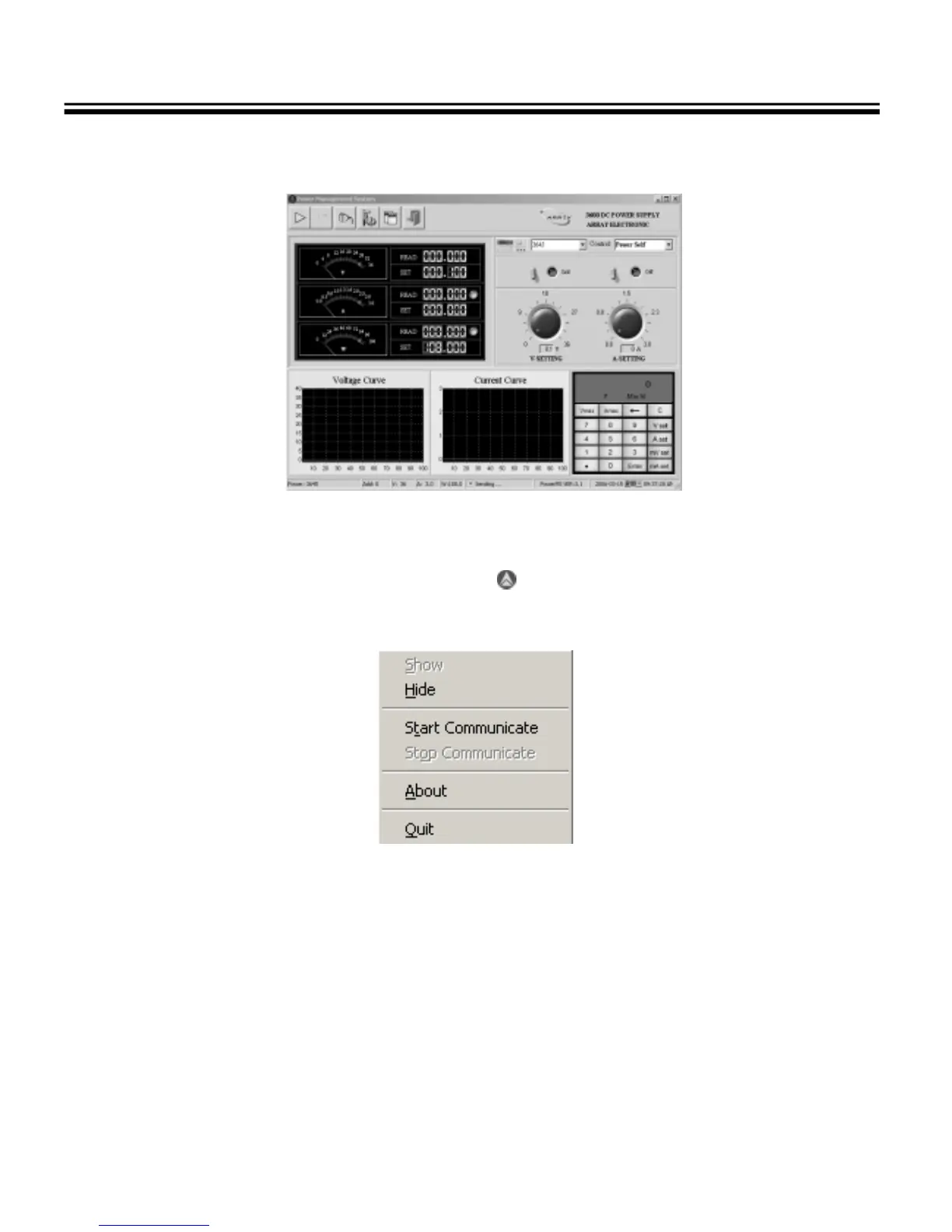
4.1.3 The PowerMS Main Window
Fig. 4-3 The PowerMS Main Window
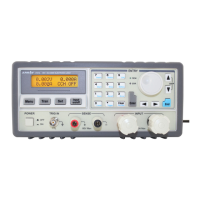
4.1.4 Once the PowerMS software is started, the icon is shown on the state bar. Right click this icon, the
following menu will be displayed:
Fig. 4-4
“Show”: Show the interface.
“Hide”: Hide the interface.
“Start Communicate”: Start the communication.
“Stop Communicate”: Stop the communication.
“About”: About PowerMS.
“Quit”: Quit the software.



 To Next Page