23
6.1.3 Frame Rate
The frame rate can only be set after the mains has been
switched on and the film channel is closed. Ensure that
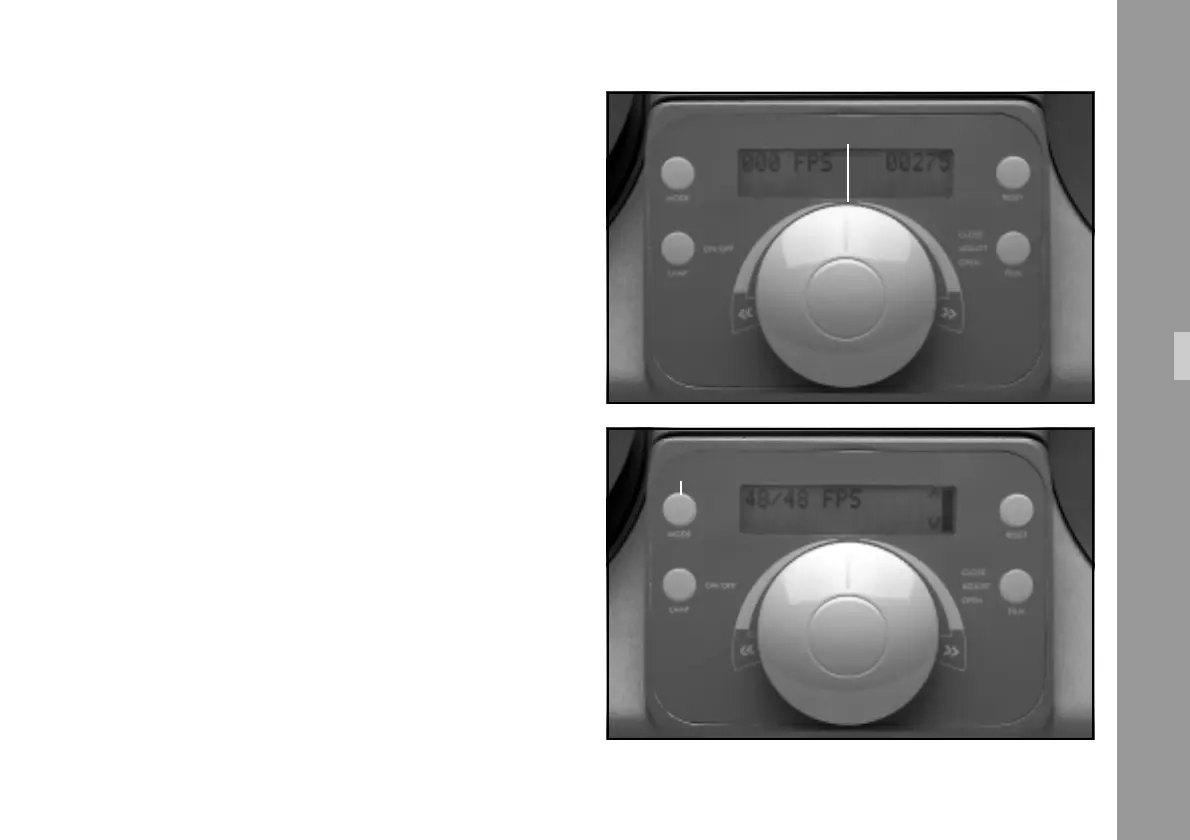
the Master Control Knob ➪ photo is reset to ”0” each
time after the film channel has closed.
1) Select the requested frame rate (visible on the display)
by turning the Master Control Knob ➪ photo. The
film now runs at the selected speed.
The following frame rates can be chosen for forward and
reverse operation:
• 50 Hz Version
1.56-3.12-6.25-12.5-25-50 fps (standard)
Highspeed shuttle 200 fps
48-24-30 fps can be selected directly via ”Mode” Key
➪ photo (see chapter 6.6).
• 60 Hz Version
1.87-3.75-7.5-15-30-60- fps (standard)
Highspeed shuttle 200 fps
48-24-25 fps can be selected directly via ”Mode” Key
➪ photo.
Functions
master control knob
“Mode“- key



 To Next Page