33
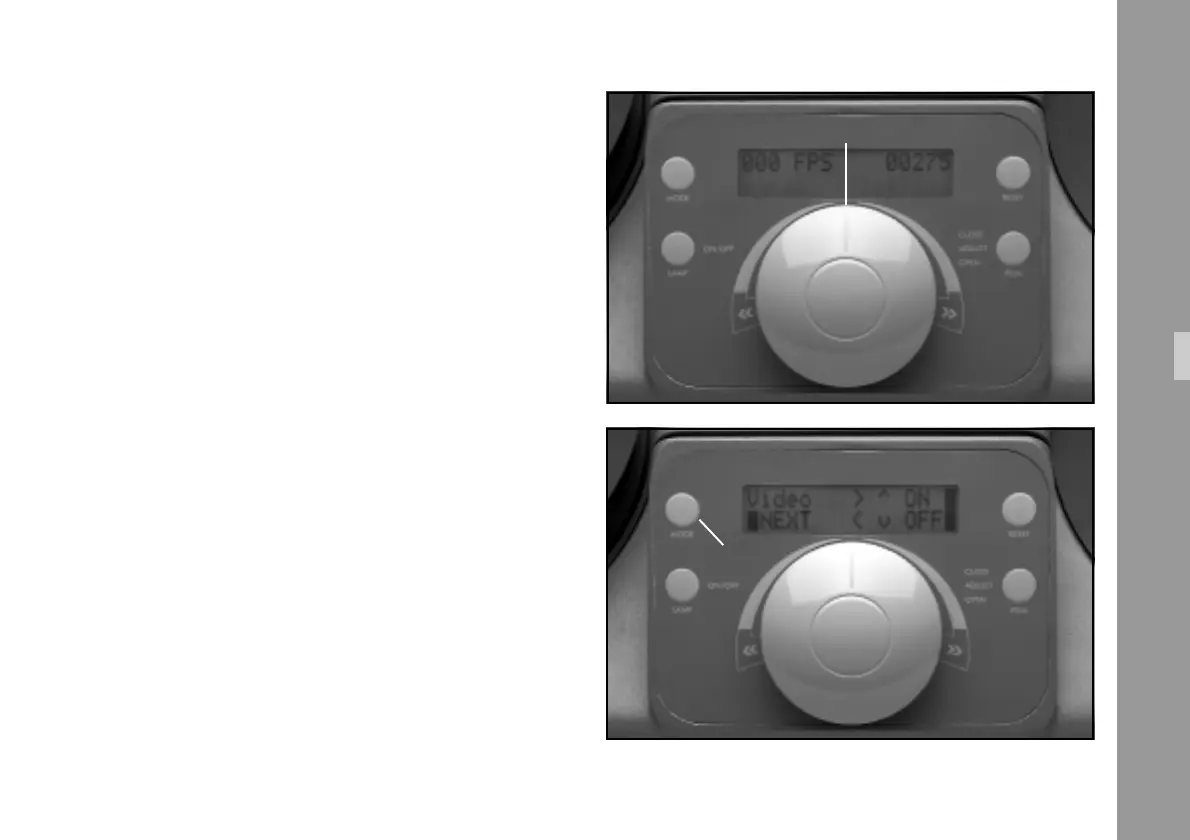
6.6 ”Mode” Key
(Unit Configuration)
The frame rates are directly selectable and fixable via the
”Mode” Key.
The ”Mode” Key only functions when the Master Control
Knob is in the ”0” position and the film is not being
transported.
Note: Those keys in the ”Mode” menu which can be acti-
vated are marked in the display with a dark bar.
Mode 1: Normal display view (with mains switch on).
Display left: Frame rate fps
Display right: Frame counter
(in case of error: error code)
Mode 2: Setup for video frame masking
Press ”Mode” key once
Display left: Video, Next
Display right: On/OFF
(see also chapter 6.5.1)
Functions
master control knob
“Mode“- key
Mode 2: Masking of Video Images



 To Next Page