36
6.7 Controls
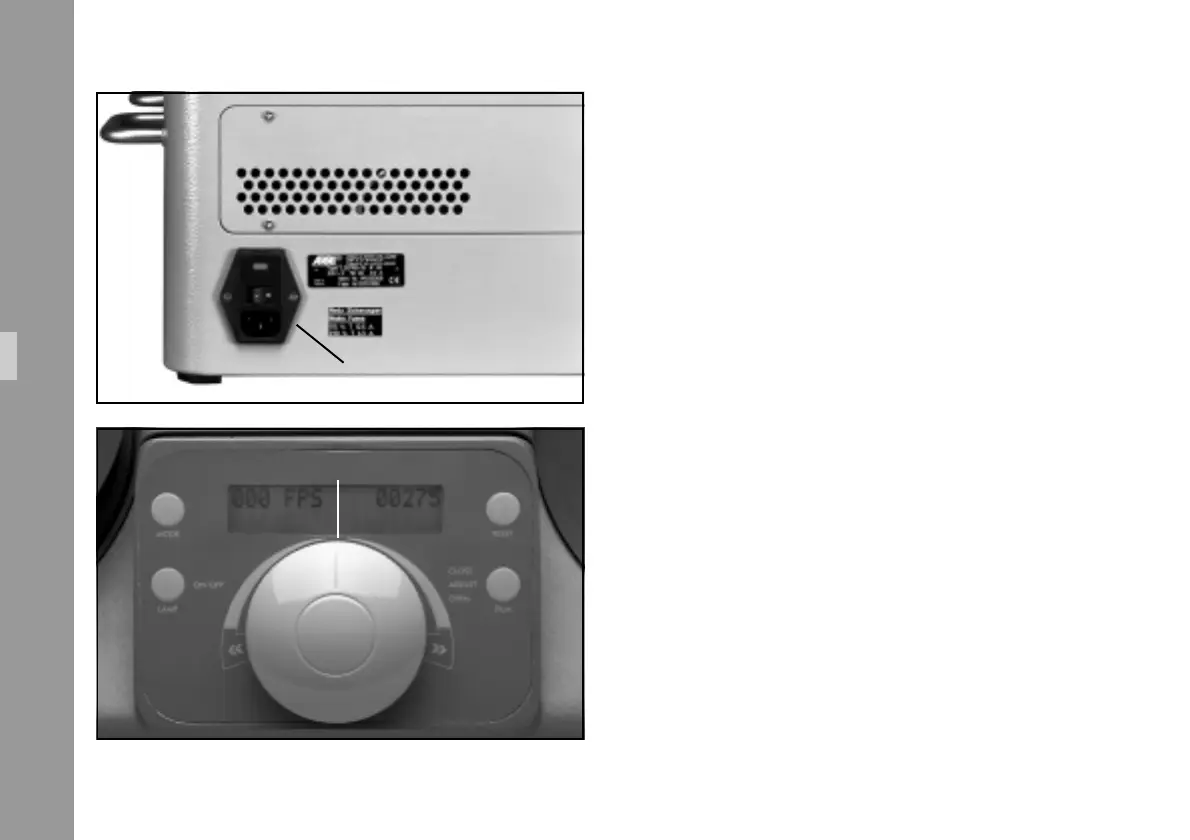
6.7.1 Mains switch
The mains switch is located on the rear panel of the projector
➪ photo.
6.7.2 Master Control Knob
The Master Control Knob ➪ photo is used to select the
frame rate, forward (turning to the right) and reverse
(turning to the left). For high speed winding/shuttle, turn
the Master Control Knob to either side, all the way to the
end stop.
Functions
mains switch
master control knob



 To Next Page