37
Functions
“film“- key
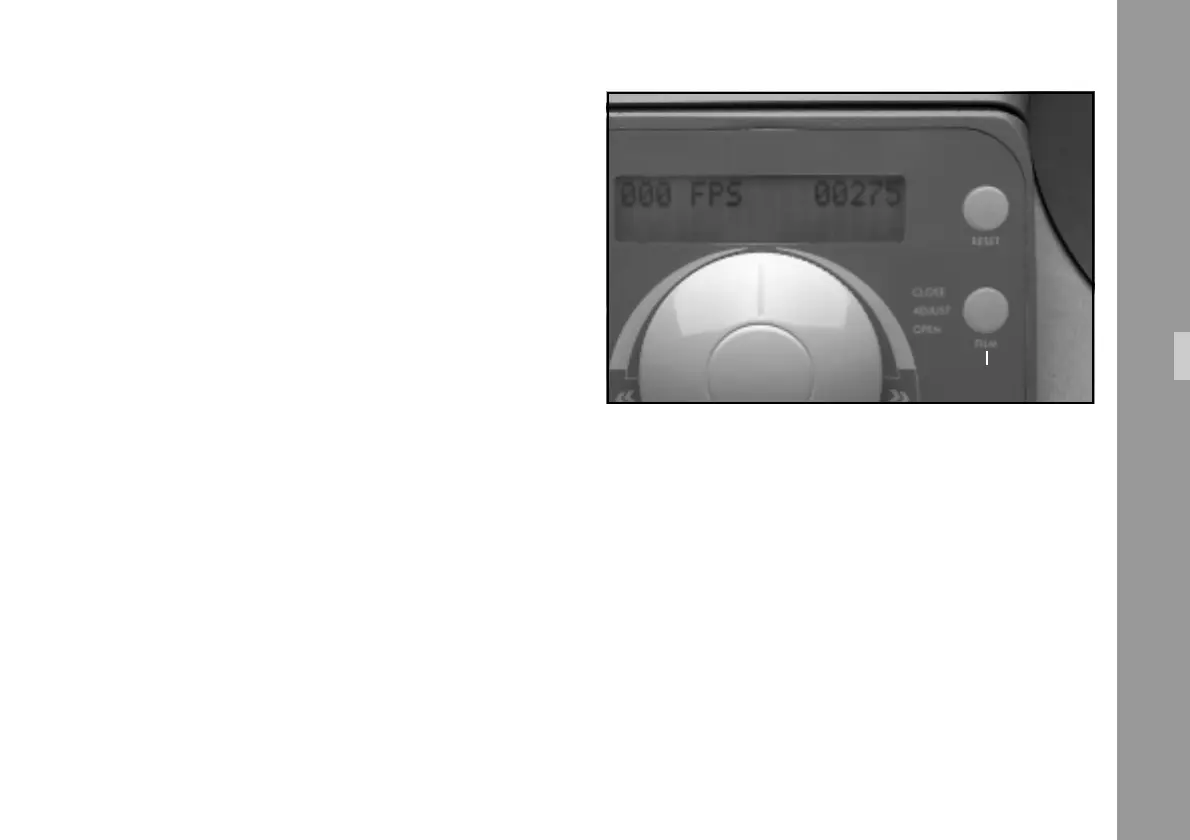
6.7.3 ”Film” Key
The ”Film” Key ➪ photo has six different functions:
•
Close the film channel:
When the film channel is in the open position, it can
be closed by pressing this key.
•
Open the film channel:
When the film channel is in the closed position, and
this key is depressed for more than 0.8 seconds, the
film channel opens.
•
Frame line adjustment:
When the film channel is closed and the Master
Control Knob is in the ”0” position (no film transport),
the frame line is shifted by
1
/
4
of the image with each
brief keystroke.
•
Single frame left:
When film channel is closed and Master Control Knob
is slightly turned to the left, off the ”0” position, a dot-
mark appears on the display (see chapter 6.1.4). Each
keystroke advances the film one frame to the left.
•
Single frame right:
When the film channel is closed and the Master Control
Knob slightly turned to the right from the ”0” position, a
dot appears on the display (see chapter 6.1.4). Each
keystroke advances the film one frame to the right.
•
Disabling the automatic end stop:
During normal film transport or high speed operation
(200 fps), the automatic end stop can be disabled. The
display flashes as long as this function is active.



 To Next Page