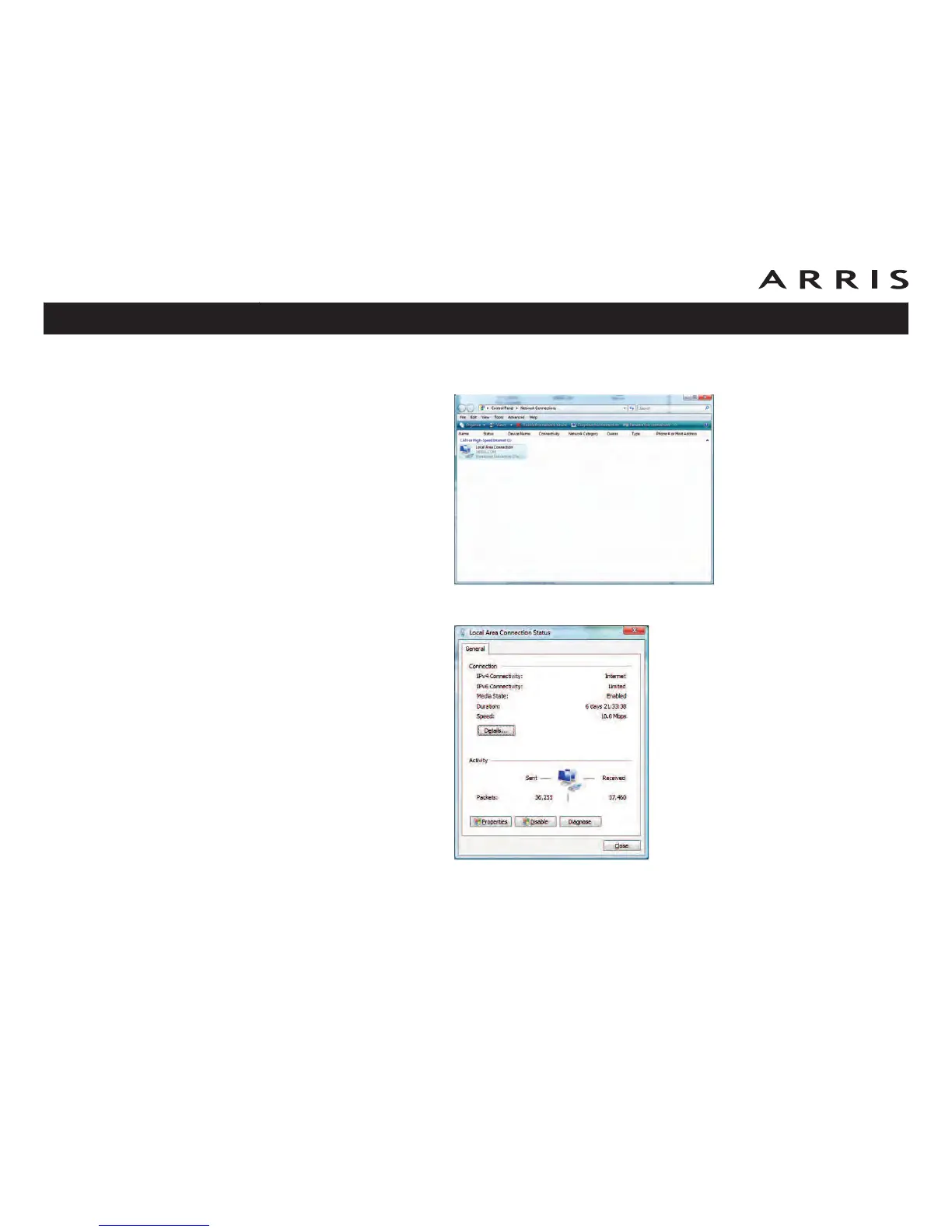
3 Click Manage network connections. If prompted for a connection, choose
Local Area Connection.
4 Double-click the Local Area Connection to open the Status window:
5 If Windows requests permission to continue, click Continue.
6 Click Properties.
Touchstone WBM760 Wideband Cable Modem User’s Guide
Safety
Getting
Started Installation
USB
Drivers
Ethernet
Configuration Usage Troubleshooting Glossary
38













 To Next Page