EasyManua.ls Logo

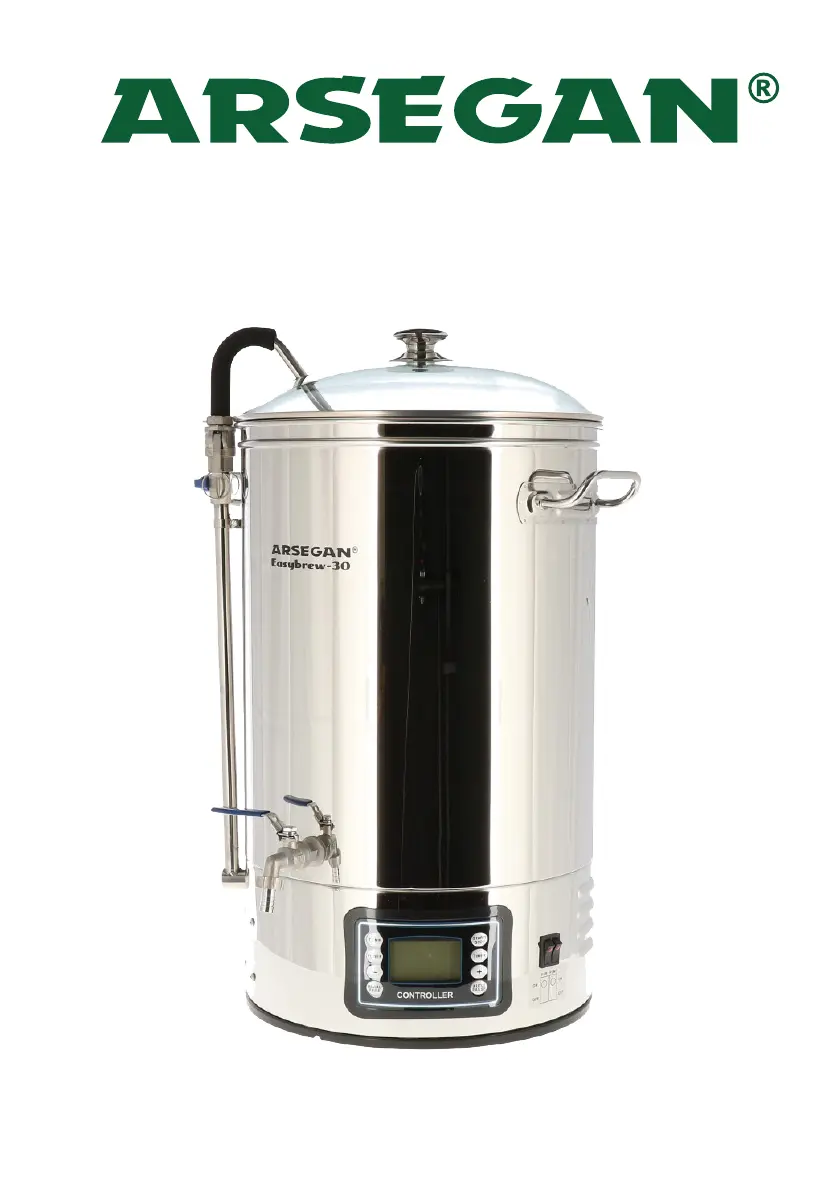
ARSEGAN Easybrew-30 - User Manual

ARSEGAN Easybrew-30
12 pages
Print Icon
To Next Page IconTo Next Page
Loading...
Easybrew-30
Easybrew-50

Questions and Answers

  • J
    John BooneAug 4, 2025
    What to do if my ARSEGAN Easybrew-30 Brewing Systems display shows ERR-1?
    • K
      Kimberly HernandezAug 4, 2025
      If your ARSEGAN Brewing Systems display shows ERR-1, it indicates a low temperature warning because the temperature is lower than -20°C, or the sensor connector is loose. Open the underneath and check the sensor; reconnect it if it is loose.
  • J
    Jessica ToddAug 14, 2025
    What does ERR-2 mean on my ARSEGAN Easybrew-30 Brewing Systems display?
    • Y
      yangmarkAug 14, 2025
      ERR-2 on your ARSEGAN Brewing Systems display means the temperature is higher than 120°C, indicating an overheat or boil-dry warning. It may also indicate a sensor failure, in which case, please contact your dealer for a replacement.
  • X
    Xavier KingAug 25, 2025
    What to do if ingredients are stuck in the ARSEGAN Easybrew-30 Brewing Systems pump?
    • C
      cynthiaibarraAug 25, 2025
      If ingredients are stuck in the ARSEGAN Brewing Systems pump, flush the pump by connecting a hose to the curve pipe or dismantle the pump to remove the ingredients.

Summary

Safety and Precautions

General Safety Instructions

Essential safety guidelines for operating the brewing machine.

Operational Precautions

Important precautions for safe brewing and handling of hot liquids.

Component Operation

Programme Settings

Auto Mode Operation

Maintenance and Troubleshooting

Cleaning and Care Procedures

Recommended steps for cleaning and maintaining the brewing equipment.

Common Issues and Solutions

Diagnosing and resolving common problems with the brewing machine.

ARSEGAN Easybrew-30 Specifications

General IconGeneral
BrandARSEGAN
ModelEasybrew-30
CategoryBrewing Systems
LanguageEnglish

Related product manuals