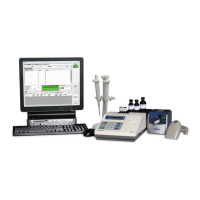
Always refer to the PCS Procedure Guide for further instruction
Another Cal w/Vial?
(Yes/No)
Use New Vial?
(Yes/No)
End of Vial
• The number of data points that can be collected in each Blank
vial is dependent on the sample volume and will range from 1
point to 40.
• Each time a pipette calibration run is completed, the
Instrument will display the remaining number of samples of the
selected volume that may be dispensed into the vial.
• In any one Blank vial, calibrations may be performed at the
same volume, at different volumes with the same Sample
Solution or at different volumes with different Sample
Solutions.
• To use the same vial after the completion of the first
calibration, press YES at the first prompt (Figure 17). The
calibration cycle will restart.
• When the maximum capacity of the vial has been reached,
alternating prompts will flash (Figures 18 & 19).
• If more data points are required, answer YES to the Use New
Vial prompt. The Instrument will prompt to remove the old vial
and insert a new one. This process may be repeated if
needed.
Figure 17
Figure 18
Figure 19
Completing
Calibration
PCS Quickstart-15A3179_PCS Quickstart 15A3179 Rev 4/3/13 2:02 PM Page 15


 To Next Page
 Loading...