EasyManua.ls Logo

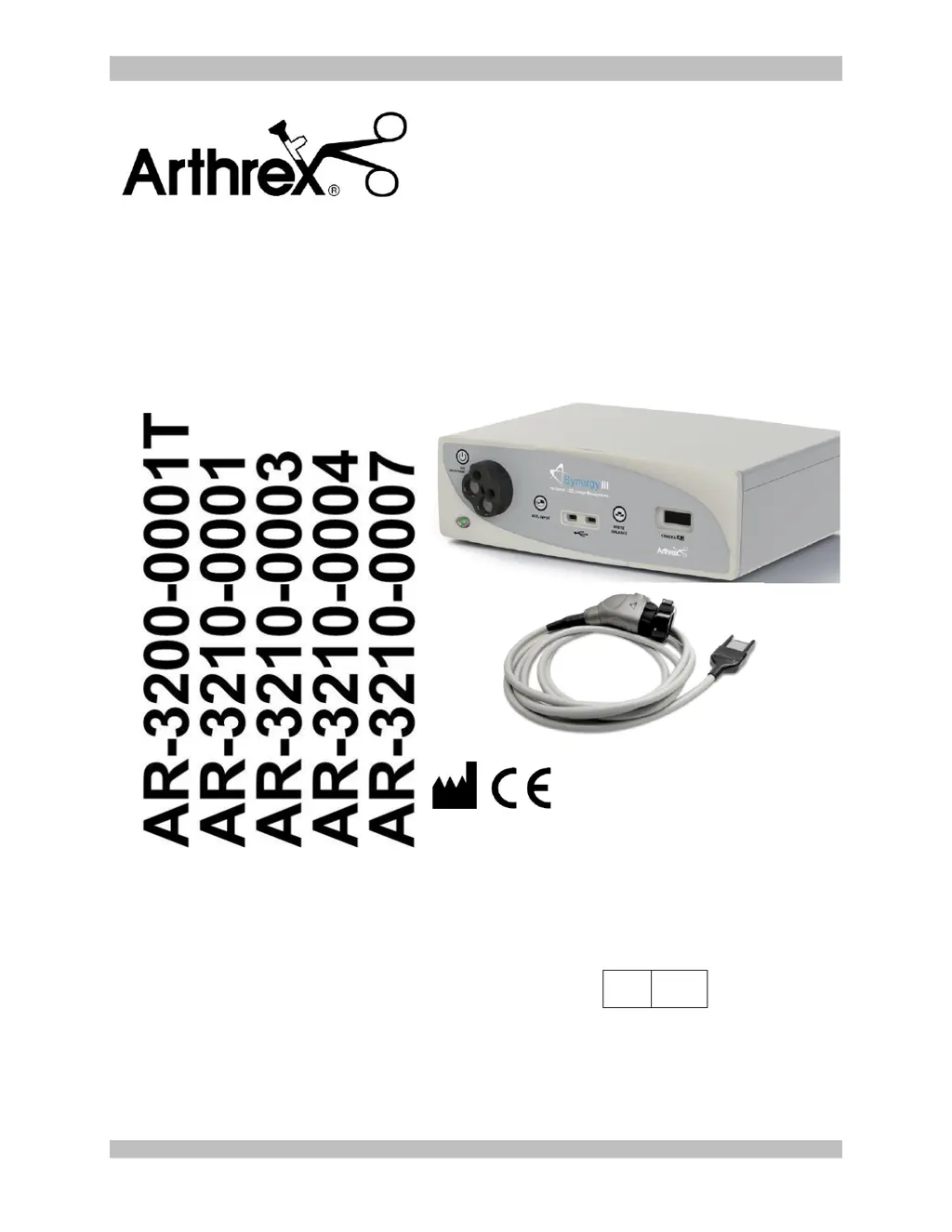
Arthrex AR-3210-0001 - User Manual

Default Icon
55 pages
Print Icon
To Next Page IconTo Next Page
Loading...
950-0027-01, Rev. B English
950-0027-01B 1 of 55
Synergy
HD3
System
Instructions for Use
The Arthrex Synergy
HD3
System Camera Controller and
Camera Head User’s Guide provides important
information for the safe operation of all components of the
Synergy
HD3
Camera System, including accessories. Read
this User’s Guide thoroughly prior to using this system
and keep it in an easily accessible place for use by all
operating personnel. Read and follow all safety warnings,
cautions and precautions.
Arthrex, Inc.
1370 Creekside Blvd.
Naples, FL 34108, USA
+1 (800) 934-4404
Technical Support
1-800 391-8599
EC
REP
Arthrex GmbH
Erwin-Hielscher-Strasse 9
81249 München, Germany
+49 89 909005-0

Questions and Answers

Summary

1.0 Introduction and Device Overview

1.3 Safety Warnings and Precautions

Explains safety symbols (WARNING, PRECAUTION, NOTE) and critical safety advice.

1.6 Initial Device Use and Setup

Covers initial setup, safety precautions, and system requirements for first-time use.

1.9 System Components and Indicators

1.9.1 Front Panel Controls

Details the functions of buttons and indicators on the SynergyHD3 CCU front panel.

2.0 System Installation and Operation

2.1 Installation and Setup

Provides step-by-step instructions for physically installing and setting up the SynergyHD3 system.

3.0 Maintenance and Troubleshooting

3.3 Cleaning and Sterilizing

Details cleaning and sterilization methods for CCU/camera heads, including material compatibilities.

3.4 Troubleshooting Guide

Provides a guide to identifying and resolving common issues with the SynergyHD3 system.

5.0 Detailed EMC Information

Arthrex AR-3210-0001 Specifications

General IconGeneral
CategoryDigital Camera
MountC-Mount
Sensor TypeCMOS
Resolution1920x1080 (Full HD)
InterfaceUSB
SterilizationAutoclavable

Related product manuals