Arturia Microbrute User’s Manual 23
Introducing The Sequencer
The SEQUENCER is a fun and musical addition to the MicroBrute. It will allow you to
program in phrases and patterns and play them back at different rates.
Start off by setting up the BASIC PATCH.
Recording A Basic Pattern
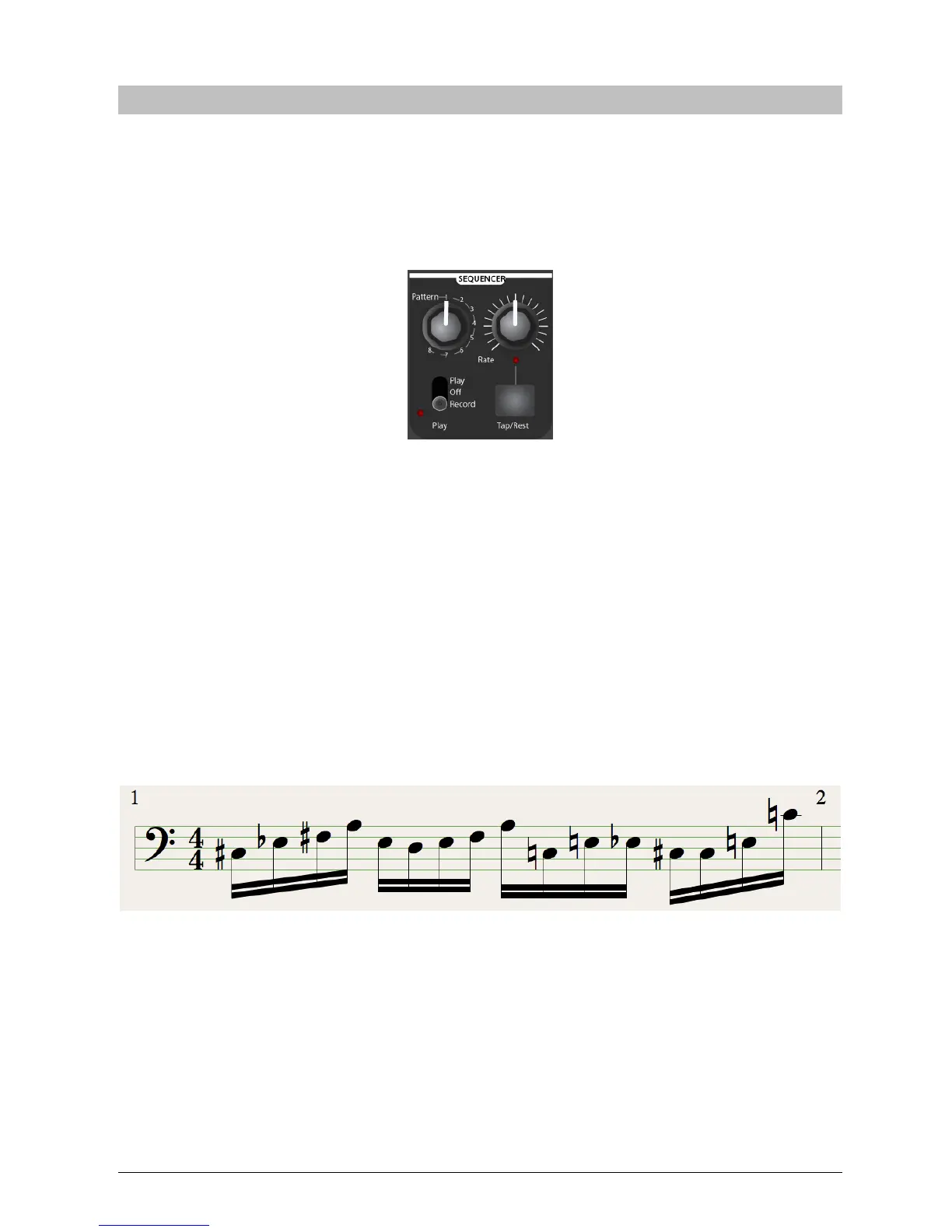
Set the PLAY MODE switch to RECORD. Figure 15
Figure 15
Now start playing notes on the keyboard. When you start playing notes, it will erase the
sequence that is in the currently selected memory.
When you are finished, move the PLAY MODE switch back to OFF.
To play a sequence, just move the PLAY MODE switch to PLAY and press a key.
Now your sequence is playing back.
You can transpose the sequence up and down by playing different pitches on the
keyboard.
Speed up and slow down the sequence by turning the RATE knob or pressing the
TAP TEMPO button 3 times.
Inserting Rests
You have now made a sequence that has a continuous string of notes.
Figure 16
While that is fun, it is more useful to have syncopated patterns.














 To Next Page