Arturia Microbrute User’s Manual 40
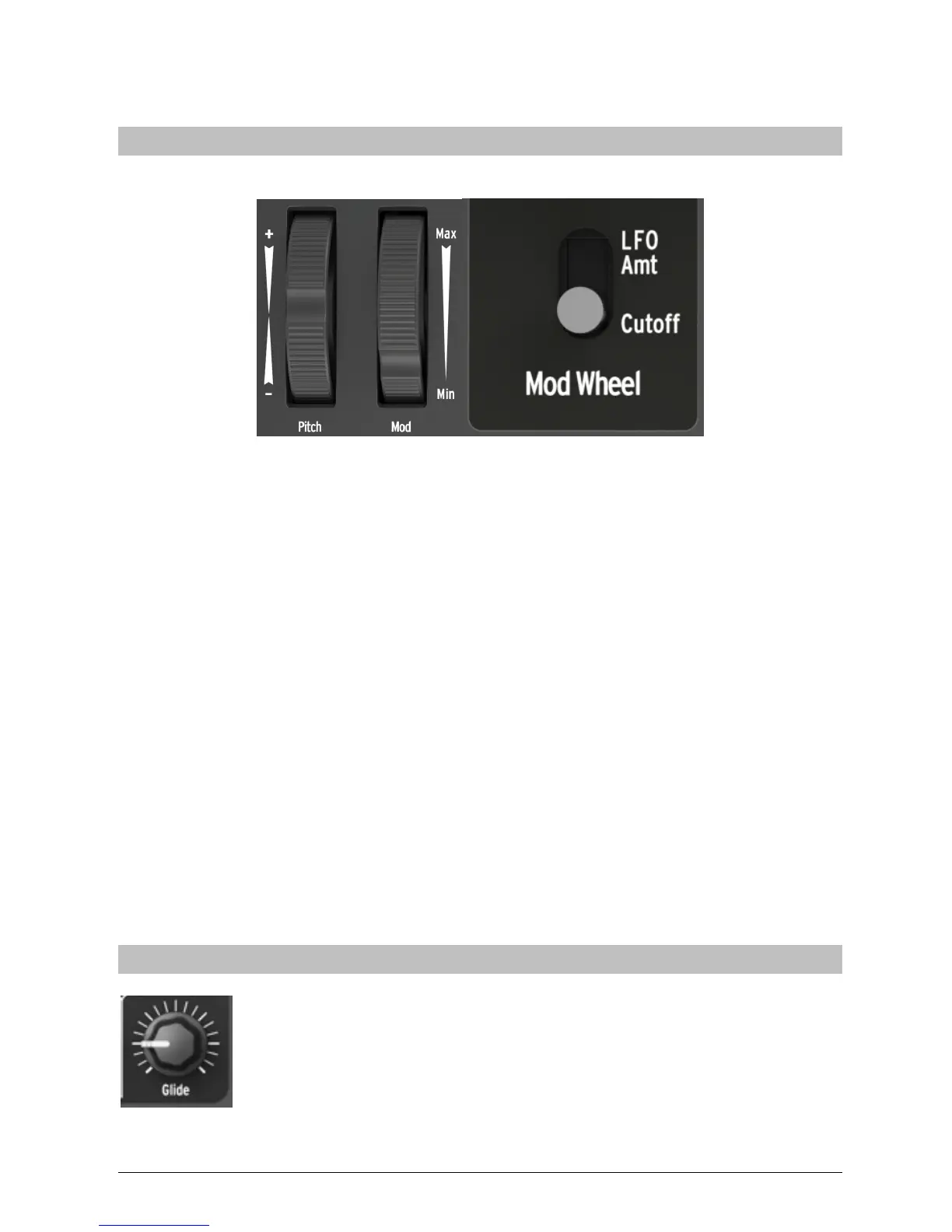
Mod Wheel
The Mod Wheel can be assigned to two different functions. The Mod Wheel switch, in
the controls section, determines the Modulation wheel assignment.
Mod to Cutoff
The Mod Wheel is routed to the Cutoff frequency control. This, in effect, is the same
as the Cutoff Knob but in a more user-friendly performance setup. Being that this
works in conjunction with the Filter Cutoff control, there are some settings of the
Cutoff that will end up with you not hearing any effect of moving the Mod Wheel. To
hear a change, you may have to adjust the Cutoff control up or down.
Mod to LFO Amt
With the option LFO Amt, the Modulation Wheel controls the LFO modulation signal
level. When it is at its minimum position (Min) the modulation destinations receive no
LFO signal. The control also works in conjunction with the LFO Amount knob in the
LFO section. If the LFO Amount is set to 0, then adding mod wheel will do nothing.
You will need to have the LFO Amount control up to have the Mod Wheel control
the LFO.
Glide
The Glide knob sets the amount of portamento (i.e., how long it takes for
the pitch to glide from one note to another when notes are played on
the keyboard or by the Sequencer). With this knob fully counter-
clockwise, there is no glide and the note pitch transitions instantly to the
next note. Turning this knob clockwise increases the portamento effect.
At the maximum setting, it takes approximately 4s to glide from the
lowest C of the MicroBrute keyboard to the highest C (two octaves above).














 To Next Page