2 Aruba 360 Series Outdoor Access Points | Installation Guide
Hardware Overview
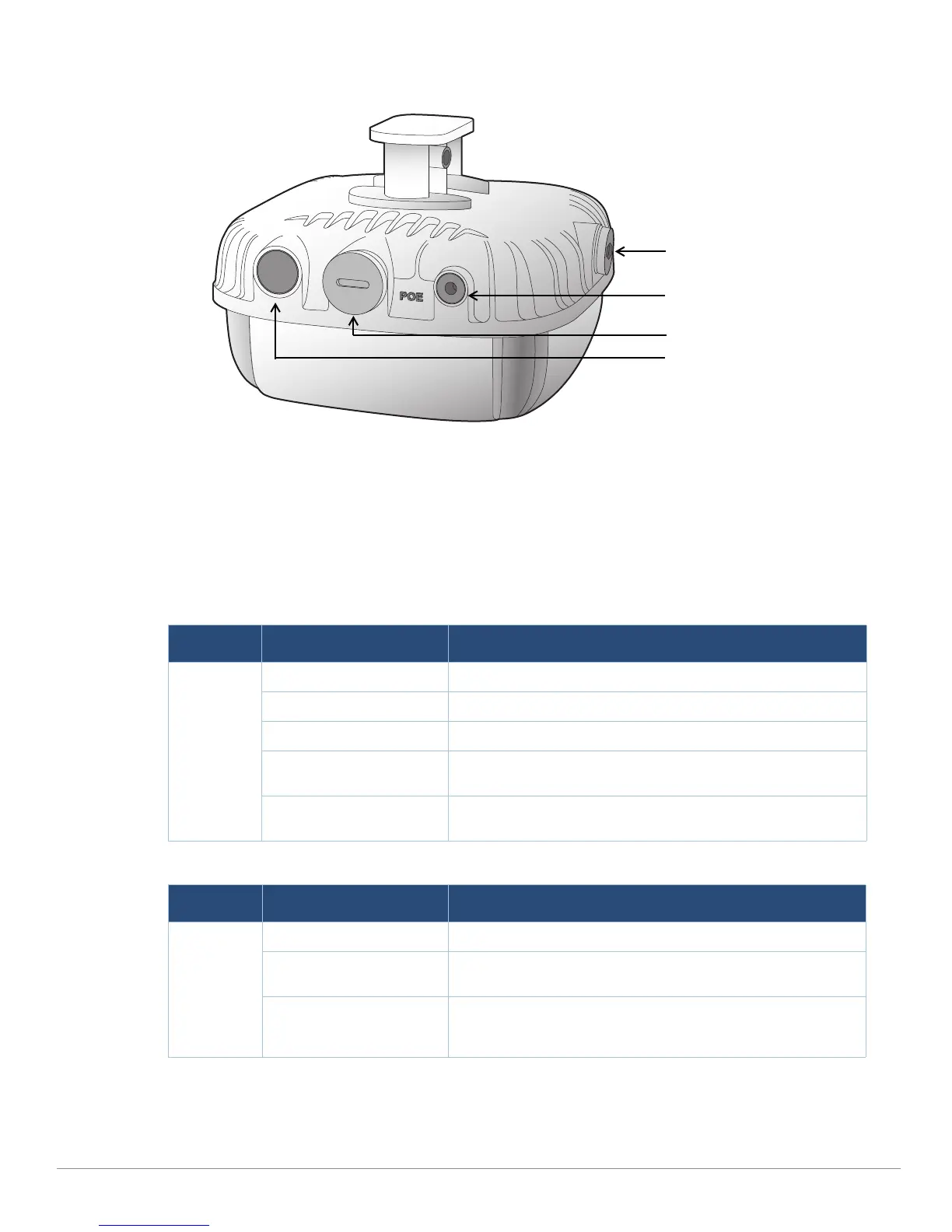
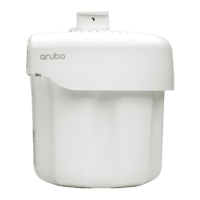
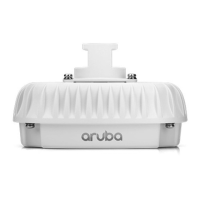
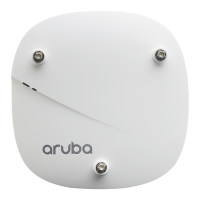
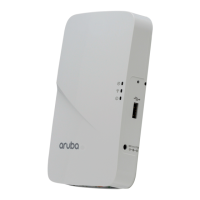
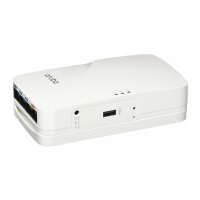
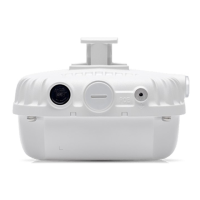
Figure 1 360 Series Access Point
LED
The 360 Series access point is equipped with one LED that indicates the system status of the device.
This LED can be configured via ArubaOS or Aruba Instant software into three separate modes:
Normal mode (by default): See Table 1 and Table 2
Off mode: LED is off
Blink mode: LED blinks green (synchronized)
USB Console Port
The USB Micro-B console port allows you to connect the AP to a terminal or a laptop for direct local
management. Use the included USB console cable to connect the AP. You can download the
Table 1 360 Series LED Status during Boot Up
LED Color/State Meaning
System LED Off No power to AP
Red Initial power-up
Green - Flashing AP booting
Green - Steady AP ready and 1000Mbps Ethernet link established. The LED
turns off after 1200 seconds
Green - Yellow, 6 seconds
period
AP ready and 10/100Mbps Ethernet link established. The LED
turns off after 1200 seconds
Table 2 360 Series LED Status during Operation
LED Color/State Meaning
System LED Solid Red General fault
One blink off every 3
seconds
Radio 0 fault (5 GHz)
Two quick blink off 0.5
seconds apart cycled every
3 seconds
Radio 1 fault (2.4GHz)
Grounding Point
Ethernet Port
Air Vent
USB Console Port, Reset
button and LED


 To Next Page