- 10 -
6.6 Firmware Update
You can go to our web site or forum to look for new rmware update. If there is a rmware update you
want to install, download the MVA le and copy it to the root directory of a USB disk drive.
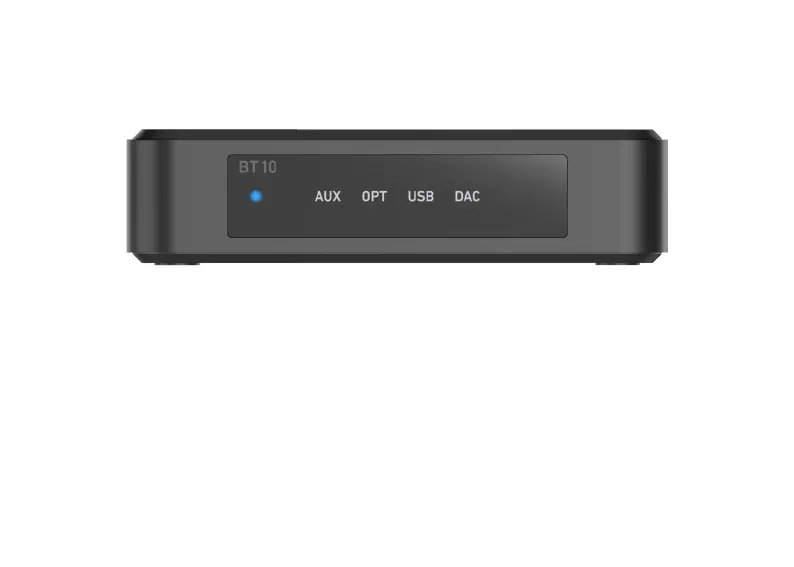
Power up the device and plug in the USB disk drive with rmware le, once the USB indicator light is on,
quickly press the Mode button twice to start the update. All the LEDs will turn on during update, it will
take roughly 10 – 30 seconds. DO NOT TURN OFF THE POWER DURING THIS PERIOD, OR YOU
WILL BRICK THE DEVICE.
Once update is nished, all LEDs will turn o and the AUX led will turn on. You can check the device
rmware version in the Go control APP.



 To Next Page