- 7 -
6.Usage
*Please note, some BT receiver device might need you to enter pairing mode rst, some BT receiver device might need
to press a connection button to establish connection. Please refer to the BT receiver device user manual.
6.1 Bluetooth Transmitter Mode
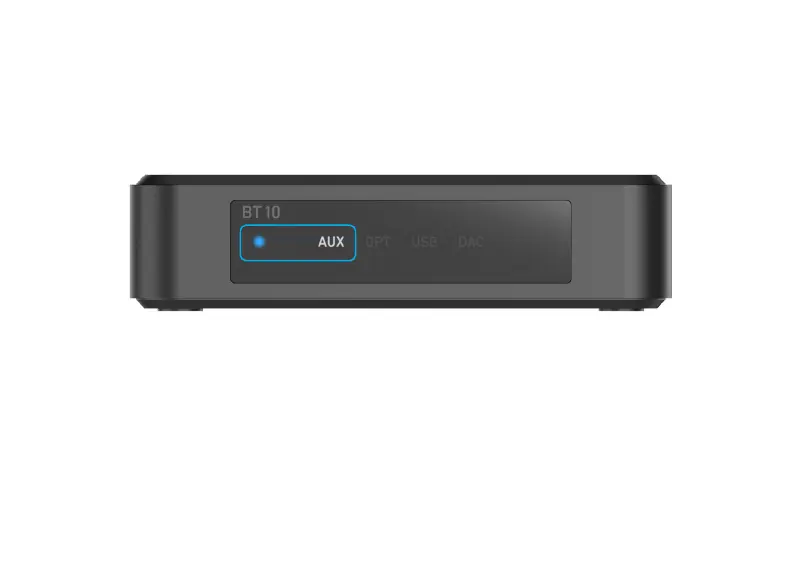
To enable Bluetooth transmitter mode, once you are in one of the source input modes (Line in/Optical in/
USB disk drive/USB DAC), press and hold the play/pause button on the device or the BT TX button on
the remote controller.
Once enabled, you will notice the BT LED will start ashing, the device will then search for nearby
Bluetooth receiver device (Bluetooth speakers, headphones) and connect to it.



 To Next Page