GTLT2 USER MANUAL
Page 6 of 21
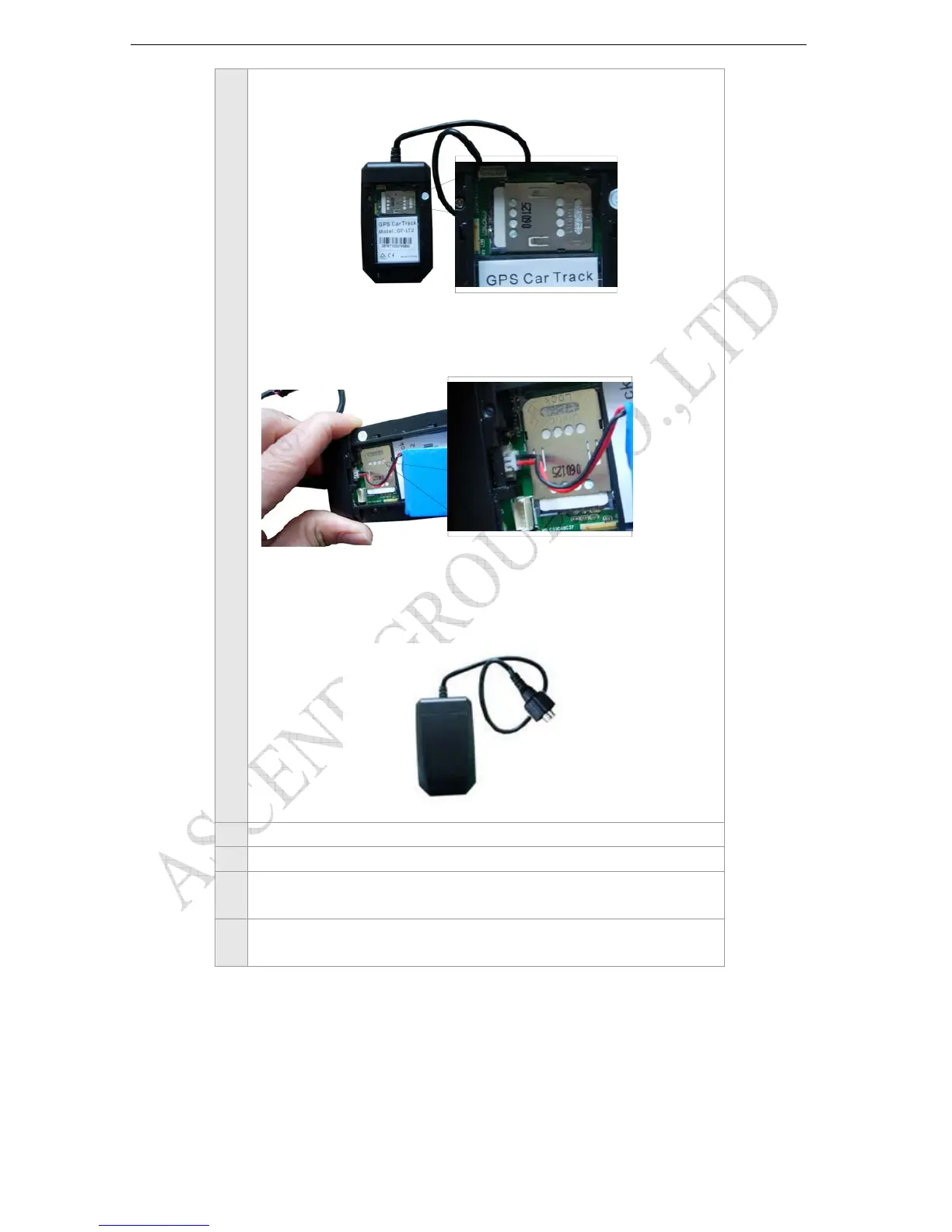
Connect battery
Put back the back cover.
2 Make sure to turn off the power before install the SIM card.
3 Make sure to deactivate the PIN code, so that the SIM card can operate without PIN protection.
4 Before install the SIM card to the GPS Tracker, please use a mobile phone to make sure the SIM card
can make & receive phone calls without problem.
5 Before install the SIM card to the GPS Tracker, please use a mobile phone to empty the SMS storage
of the SIM card.



 To Next Page