GTLT2 USER MANUAL
Page 5 of 21
3. Wiring Installation
3.1. Product Parts List
GPS Tracker Unit
SOS Button and
Socket cables
Battery
User Manual(CD)
( Optional)
3.2. Precaution before Installation
1 Check if all the parts are included.
2
Prepare a SIM card for GSM communication. Use some other mobile phone to confirm that the PIN
code has not been set and that it can dial out and receive telephone calls and SMS without problem.
3
Before install the SIM card; make sure to cut off power from the GPS Tracker unit. The correct
installation method is to push the tray completely into the GPS Tracker unit, until you feel it is hooked
by something.
4 Find a suitable place inside the car for installing the unit.
5
Check if all the wiring has been connected correctly; then connect the GPS Tracker unit to the power
supply.
6
We don't provide the SIM card
3.3. INSTALLATION
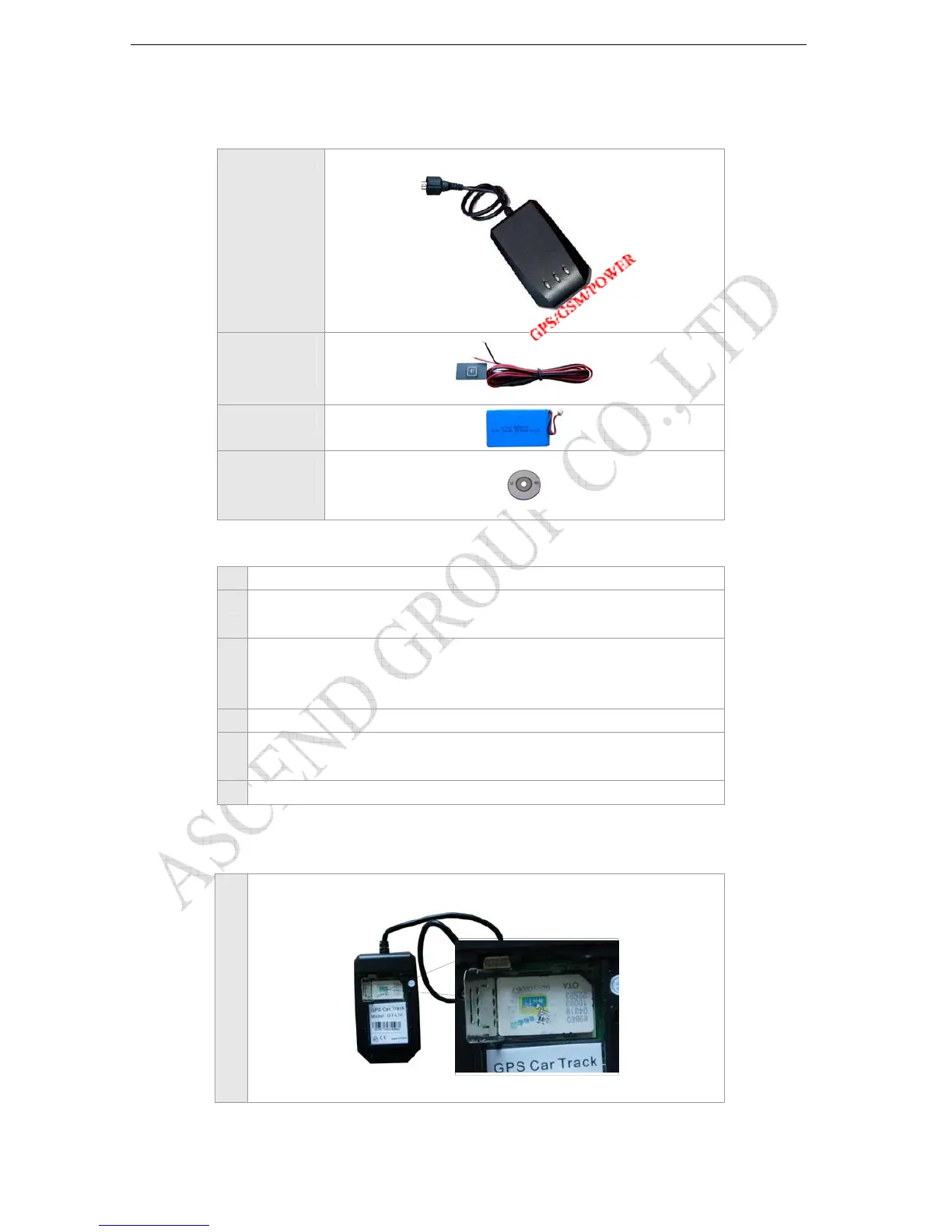
3.3.1 Step 1: Install SIM Card
1
Remove the back cover of GTLT2. Insert the SIM card by sliding it into the card slot.



 To Next Page