5101 Engine Start Monitoring System
8 381333-474 C
Testing
To verify that the 5101 system is working correctly, simulate a fault condition and observe the LEDs change colors (See
LED Description section). To simulate a fault condition for a channel, either remove the channel’s terminal block from
the front of the generator module, or place a jumper across the channel terminal block. In both cases, the channel’s LED
should change to RED and the alarm relay should deenergize.
LED Status Description
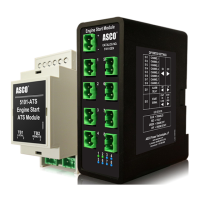
LEDs on the front of the generator module provide status for each channel. The color of the LED indicates the status of
the channel.
Color Status Description Start Output State Alarm Output State
Blue Channel is disabled N/A N/A
Red Wiring fault detected De-energized De-energized
Green Engine start is not active – wiring is OK Energized Energized
Off Engine start is active – wiring is OK De-energized Energized


 To Next Page