Replacing the button insert
INSTALLATION GUIDE
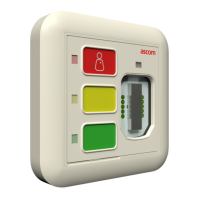
Customizable Button Module (NUDM3–HE)
8 Replacing the button insert
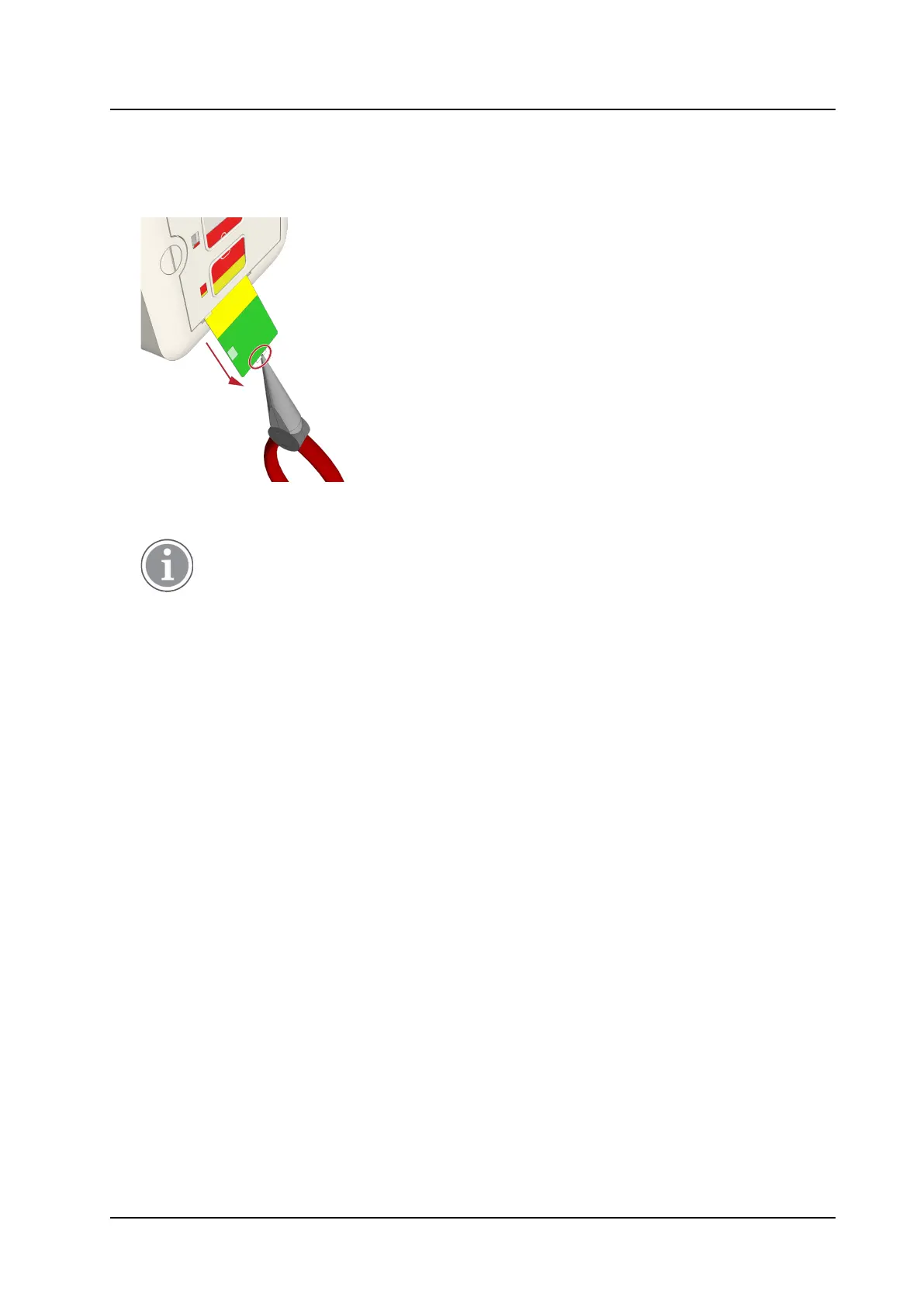
1. Remove current button insert by gently pulling the small tab at the lower end of the insert with a small
pair of pliers.
2. Insert a new button insert from the lower end of the module. Make sure the insert fits completely in the
membrane.
The button insert shall be water resistant.
3. Check that all of the button LEDs are visible.
Perform a test to verify that all LEDs work properly.
9 TD 93506EN / 02 March 2022 / Ver. A



 To Next Page