EasyManua.ls Logo

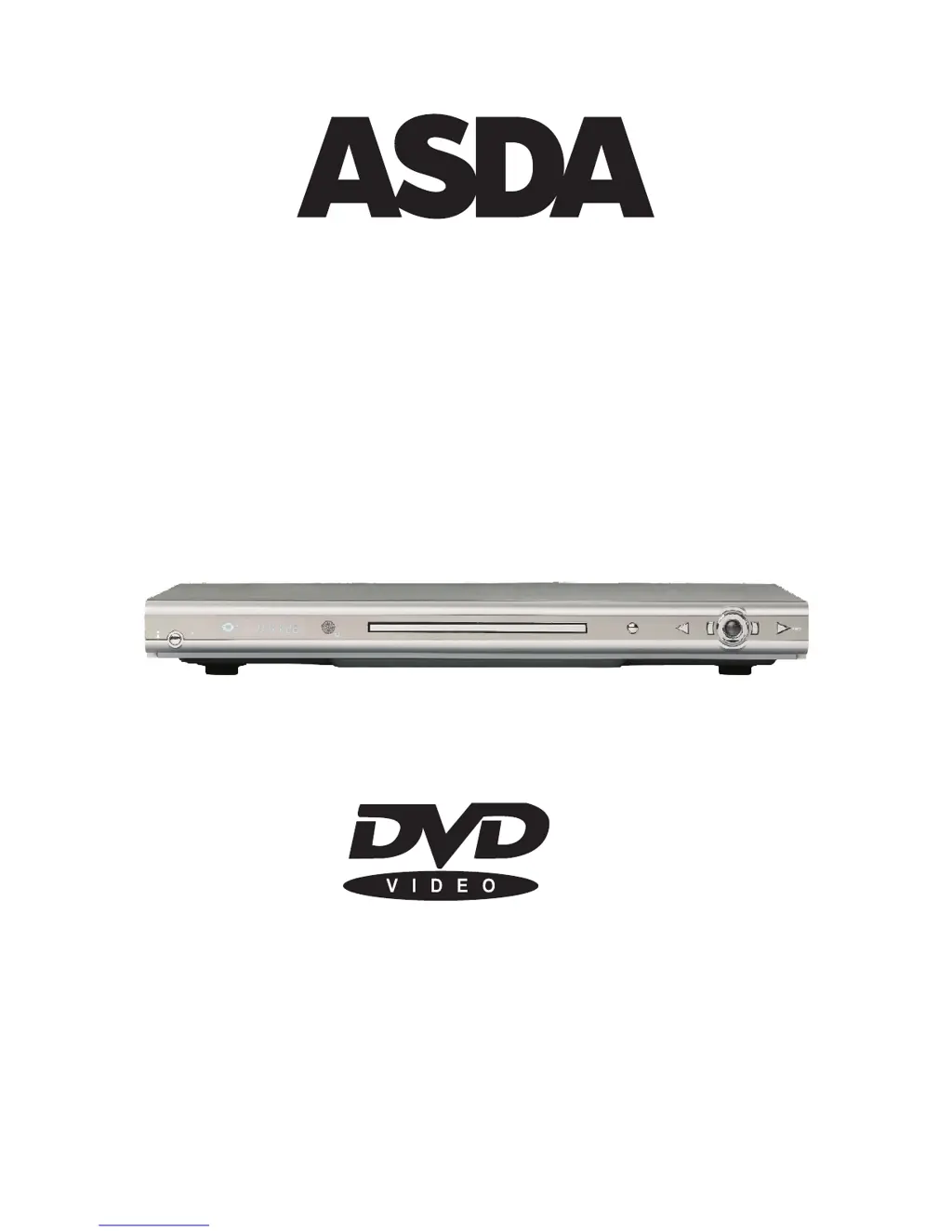
Asda DVD1072UK - User Manual

Asda DVD1072UK
22 pages
Print Icon
To Next Page IconTo Next Page
Loading...
PleasereadthisUserManualcarefullytoensureproperuseofthisproductand
keepthismanualfor reference.future
DVD1072UK
USERMANUAL
POW ER
ON
OFF
OPEN/CLOSE STO PREV L/R
DVD1072UK

Questions and Answers

  • D
    deniseberryAug 13, 2025
    How to fix Asda DVD1072UK DVD Player remote control not working?
    • B
      brandy07Aug 13, 2025
      If the remote control of your Asda DVD Player isn't working, first, check if the batteries are installed with the correct polarities. If they are, try replacing the batteries, as they might be depleted. Finally, ensure that you are pointing the remote control at the sensor on the DVD player and are within a 5-meter range.
  • R
    Rebecca SmithAug 17, 2025
    What to do if Asda DVD1072UK DVD Player buttons are not functioning?
    • D
      daniel67Aug 17, 2025
      If the buttons on your Asda DVD Player or the remote control aren't working, or if you notice other unusual behavior, try turning the unit off and then back on. If that doesn't work, turn off the unit, disconnect the AC power cord for 5 to 10 minutes, and then reconnect it.
  • L
    Luke ColeAug 21, 2025
    Why is there no sound coming from my Asda DVD1072UK DVD Player?
    • S
      Shelley CookAug 21, 2025
      If you're not getting any sound from your Asda DVD Player, verify that all the equipment is connected properly. Also, check that neither the TV nor any audio equipment is muted. Lastly, make sure the audio output setting is configured correctly.
  • K
    kyle39Aug 25, 2025
    What to do if my Asda DVD Player cannot read disc?
    • E
      Emily FlowersAug 25, 2025
      If your Asda DVD Player can't read a disc, the disc might be scratched or defiled, so try changing the disc. It's also possible that the code of the disc is different from the code of the unit, in that case, changing the disc might help. If there is a PAL to NTSC error, set the video output to AUTO.
  • R
    Robert SolomonAug 28, 2025
    How to adjust screen ratio on Asda DVD1072UK?
    • C
      catherine36Aug 29, 2025
      If you are experiencing issues with the picture ratio on your Asda DVD Player, make sure to choose the correct setup at the TV TYPE item that matches your TV set.
  • J
    jordan17Sep 1, 2025
    Why is the picture distorted during fast forward on Asda DVD Player?
    • F
      faithsmithSep 1, 2025
      If the picture on your Asda DVD Player is distorted during fast forward or reverse, this is normal for advance or reverse.
  • J
    James KingSep 5, 2025
    Why can't I find the audio language on my Asda DVD Player?
    • R
      Russell BaileySep 5, 2025
      If you can't find the audio soundtrack or subtitle language you're looking for in the settings of your Asda DVD Player, it could be because the audio soundtrack and/or subtitle language does not exist in the disc. Also, the language selected at the initial settings will not be seen/heard, and only one alternative audio soundtrack can be selected.
  • D
    Daniel RiversSep 8, 2025
    Why can't I change the angle on my Asda DVD1072UK?
    • E
      Ebony HollandSep 9, 2025
      The ability to change the viewing angle on your Asda DVD Player depends on the software availability of the disc. Even if a disc has multiple angles recorded, these angles may only be available for specific scenes.

Summary

IMPORTANT SAFETY INSTRUCTIONS

General Safety Guidelines

Covers reading instructions, warnings, cleaning, and avoiding water/attachments.

Environmental and Power Safety

Addresses water, accessories, ventilation, power sources, and cord protection.

Operational and Maintenance Safety

Details on non-use periods, servicing, damages, replacement parts, and heat.

Electrical Hazard Prevention

Covers lightning, power lines, overloading, object/liquid entry, and disconnect device rules.

REMOTE CONTROL

OPERATION

Playback Controls

Explains how to play, stop, pause, fast forward/reverse, and slow playback.

SETUP

Setup Menu Navigation

How to enter and navigate the setup interface for various settings.

Language and Display Settings

Guide to setting OSD menu, DVD menu, audio, and subtitle languages.

TROUBLESHOOTING

Common Problems and Solutions

A guide to diagnosing and resolving common issues experienced with the DVD player.

Asda DVD1072UK Specifications

General IconGeneral
BrandAsda
ModelDVD1072UK
TypeDVD Player
Video FormatsDVD
Audio FormatsMP3, WMA
ConnectionsSCART
Power SupplyAC 230V, 50Hz
Region CodeRegion 2

Related product manuals