DVDPLAYER
REFERENCE
17
MENU
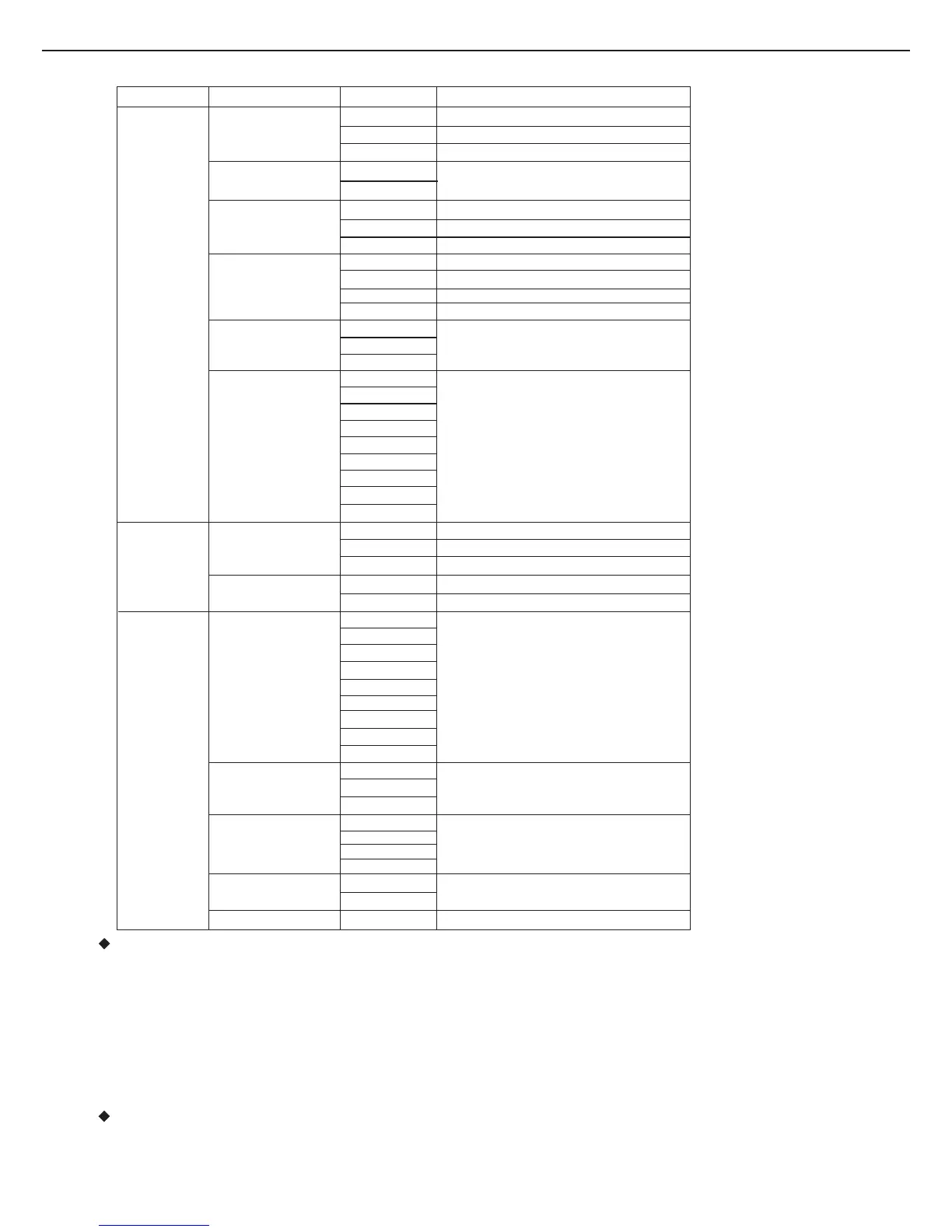
SUBMENU OPTIONS DESCRIPTION
SCREEN
TV Type
4:3PS
4:3LB
16:9
ScreenSaver
On
Off
TVSystem
NTSC
PAL
AUTO
Videooutput
CVBS+S-Video
Brightness
Normal
Bright
Soft
Contrast
-4
-3
-2
-1
0
+1
+2
+3
+4
CUSTOM
ParentalCtrl
1
2
3
4
5
6
7
8
Off
Password
Old
New
Verify
AngleMark
On
Off
Default
Read
Set TVscreenat4:3PanScan
Set TVatscreen4:3LetterBox
Set TVatscreen16:9
OutputsignalasNTSC
OutputsignalasPAL
Outputsignalasperdefaultofdisc
CVBS+S-Videooutput
Nooneunder8admitted
Inputnumberbyuserstochangepassword,
defaultsetting:8888
Selectnormal,bright,orsofttopersonal
preference.
Selectvariouslevelstoadjustthecontrast
accordingtopersonalpreference.
SetscreensavertoONorOFF.
Setthe AnglemarktoONorOFF
Returntofactorysetup
Style
Style1
Style2
Style3
Style4
Downmix
AudioSetup
Lo/Ro
Lt/Rt
HandlingPrecautions
Maintenance
Handling
Holdthediscbytheedgesothesurfacewillnotbesoiledwithfingerprints.Fingerprints,dirtand
scratchescancauseskippinganddistortion.Do notuserecordcleaningsprays,benzene,thinner.
Staticelectricitypreventionliquidsoranyothersolvent.Becarefulnottodroporbendthedisc.Donot
trytoclosethedisctraywhendiscisnotinstalledproperly.Besuretostorethediscinitsexclusive
casewhennotinuse.
Wipegentlywithasoft,damp(wateronly)cloth.Movetheclothfromthecentreholetowardstheouter
edge.lmproperdiscdiscstorage:Discsmaybedamagediftheyarestoredinthe followingplaces: Areas
exposedtodirectsunlight;Humidordustyareas; Areasdirectlyexposedtoaheatoutletorheating
appliance.
PlayerMaintenance
Besuretoturntheunitoffanddisconnectthe ACpowercordbeforemaintainingtheunit.Keeptheunit
clean.Ifthesurfacesareextremelydirty,wipetheunitwithadrysoftcloth.Neverusealcohol,benzene
orotherchemicals.Donotusecompressedairtoremovedust. Askthetechniciantomaintaintheunit
whentroublehappens.
ChangethebackgroundcolourofOSD
Leftonly/Rightonly
Lefttotal/Righttotal
Spdif/pcm
Spdif/raw
off
CVBS+YUV
YUVP-SCAN
YUVvideooutput
P-SCANvideooutput
RGB
RGBvideooutput
Digitalout
Helplinenumber:08453007775


 To Next Page