Page 4
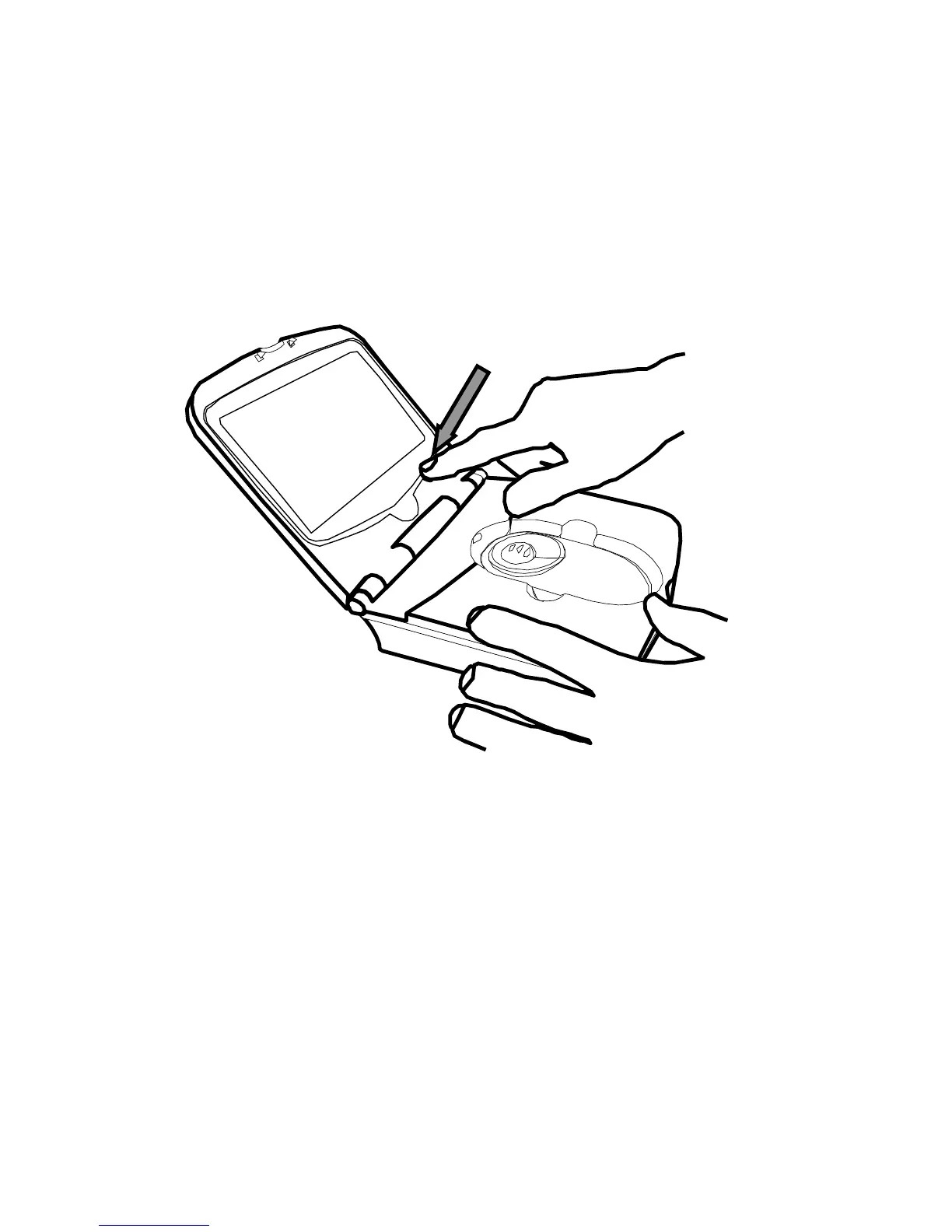
• Remove the Fusion main unit from its case and
place on the work surface.
• Flip open the lid by pressing on the front latch.
• Power up the Fusion by pressing the power
button, i.e. the right-most button on the front
panel.
When you place the unit on some text you should see
the magnified image on the screen. The base of the
main unit is fitted with rollers to allow the entire unit
to glide easily over what you want to read. Note: the
camera “sees” beneath the scroll zoom wheel, bear
this in mind when locating what you want to read.



 To Next Page