Page 14
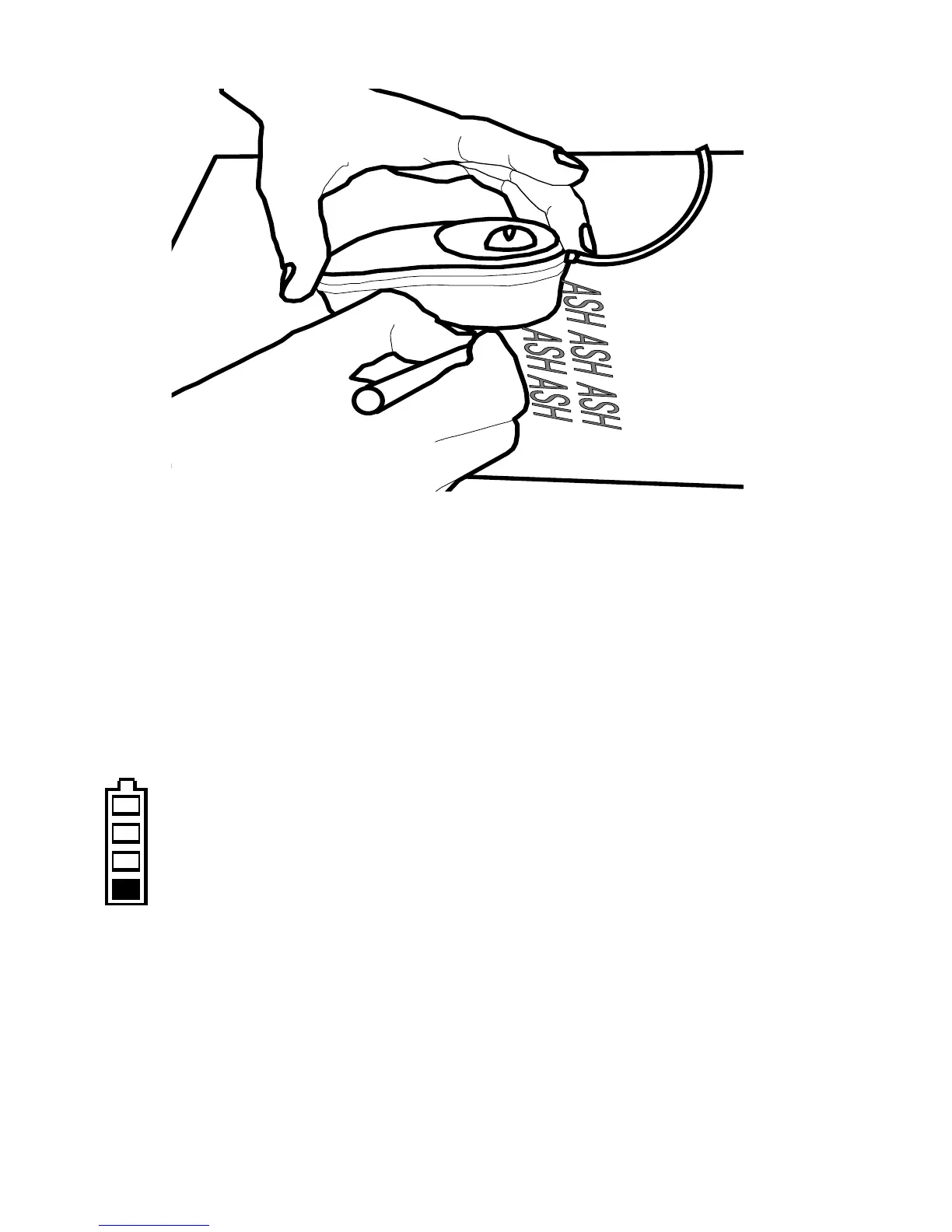
• Rotate the scroll-zoom wheel on the mouse
fully backwards i.e. into overview mode.
• When using the mouse for writing, it is best to
use the full color mode.
Battery
The Fusion contains a rechargeable battery that
can provide power for mobile use. The battery
status indicator on the screen is normally white
when running on batteries. It changes color to
amber when the battery level is low, and red when it
is very low. The Fusion will only power up very
briefly, or not at all, when the battery is dead. When
the unit is charging the battery display will be green.



 To Next Page