Page 5
Mouse Camera
Fusion is great for reading something in a hurry; flip
up the lid, turn it on, and off you go. However, for
extended reading you will find it easier to use the
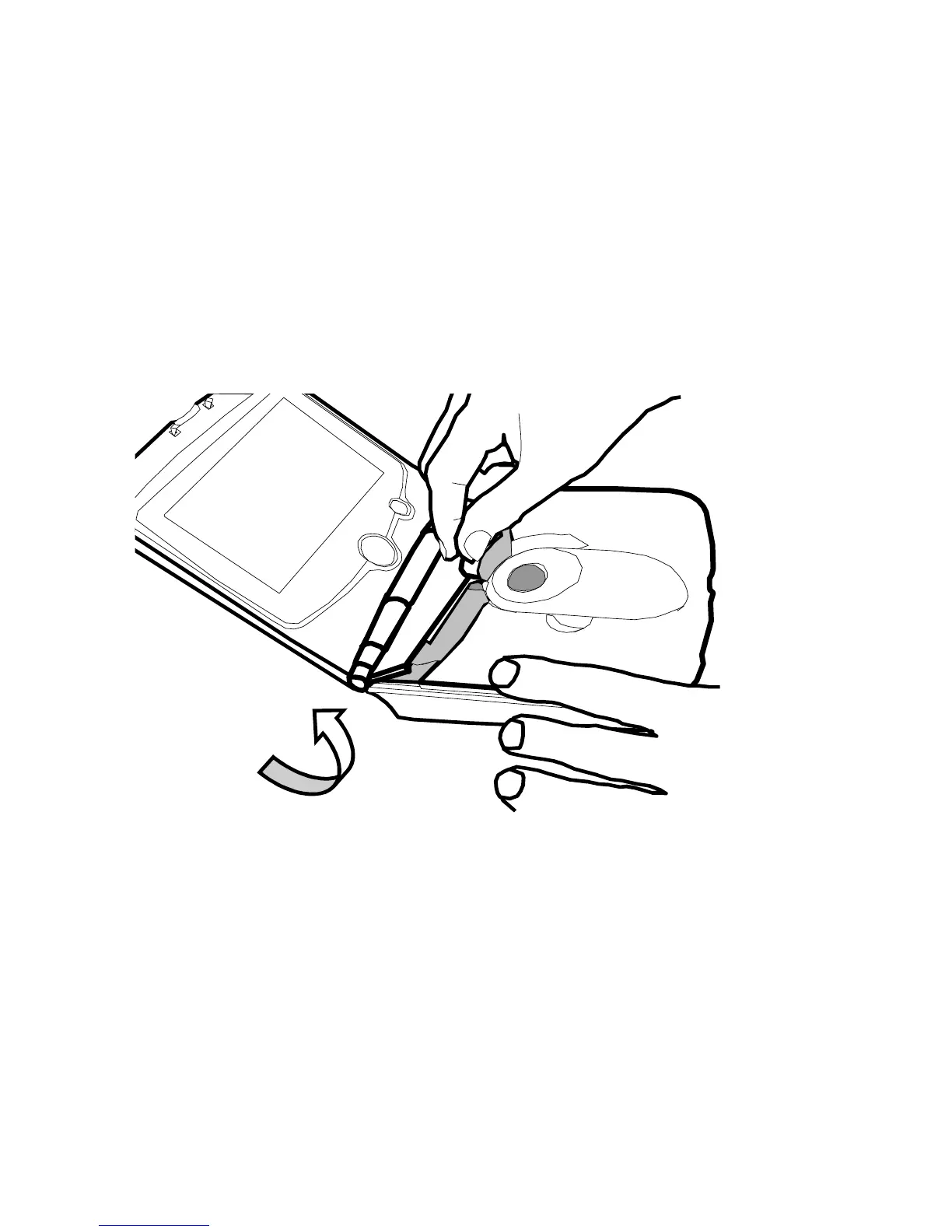
mouse outside the main unit. To remove the mouse,
flip open the cable housing cover, lift out the mouse
and unwind the cable.
You will find that the mouse is much lighter and
more agile, allowing you to get into the binding of
books or reading in awkward places.
When replacing the mouse, lift the cable housing
cover, drop it back into its holder, wind up the cable
and close the cover again.



 To Next Page