Page 7
• Full-color mode for viewing photographs,
images, etc.
• Positive mode, an enhanced reading mode
where the foreground “ink” is darker than the
background “paper”.
• Negative mode, an enhanced reading mode
where the foreground “ink” is brighter than the
background “paper”.
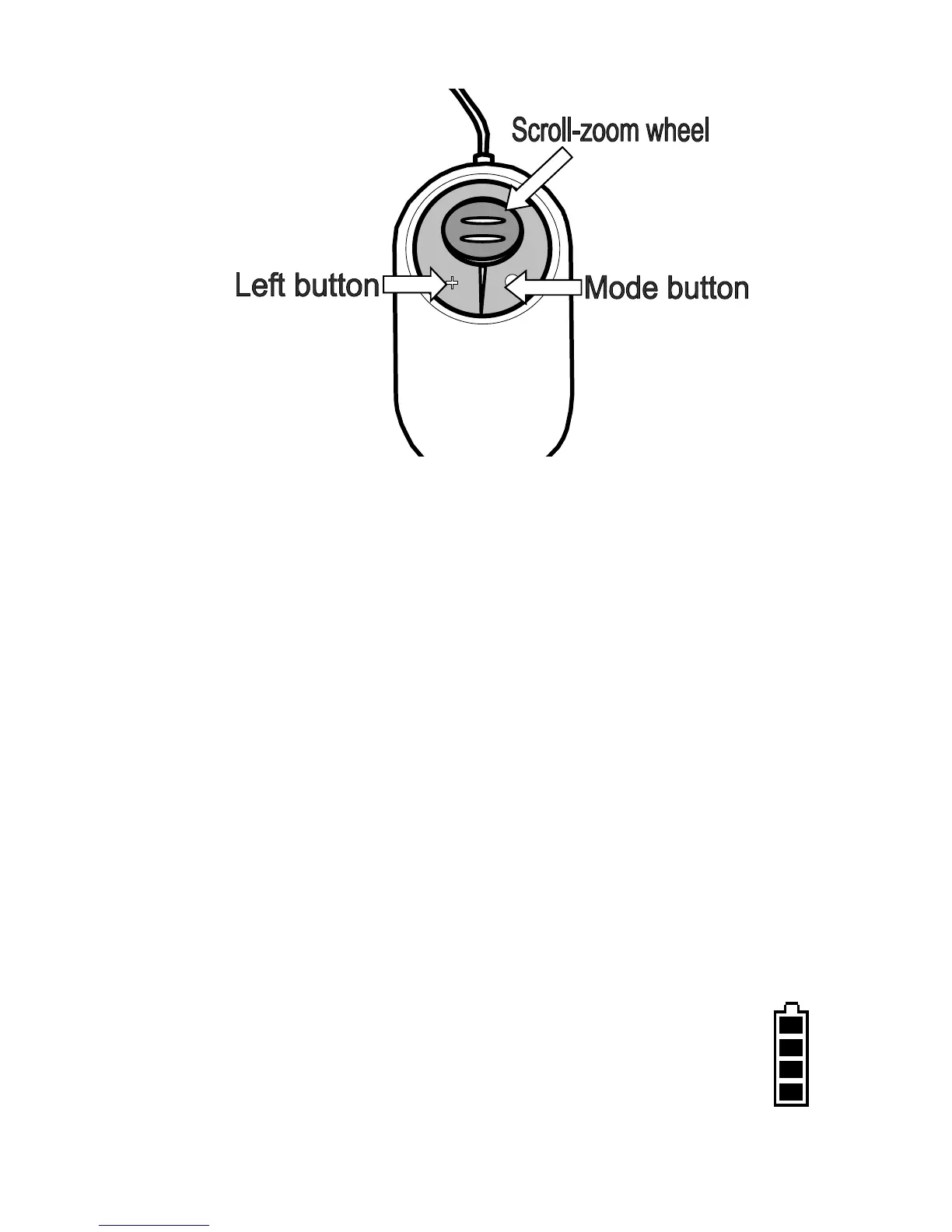
The left button can be programmed to perform a
choice of tasks (see “Mouse button functions menu”
on page 12).
Pressing both buttons together will bring up
the battery symbol indicating the state of
charge of the battery.



 To Next Page