21
Customer Care Center
1-800-898-1879
www.askousa.com
Settings
Reprogramming
Some of the machine’s functions can be reprogrammed. Please reade below. The selection
will be retained until the next time you reset this function.
Even if the machine is turned o at the main switch or loses power for any other reason, all
selections registered before the interruption of power will be retained.
Child-safe button lock
You can prevent a child starting the machine by accident or changing the settings by pro-
gramming the machine with a button lock, which requires the Temperature and Drying
buttons to be pressed simultaneously to start up the machine. The button lock will automati-
cally be reactivated after three minutes.
1. Switch o the dishwasher with the main switch.
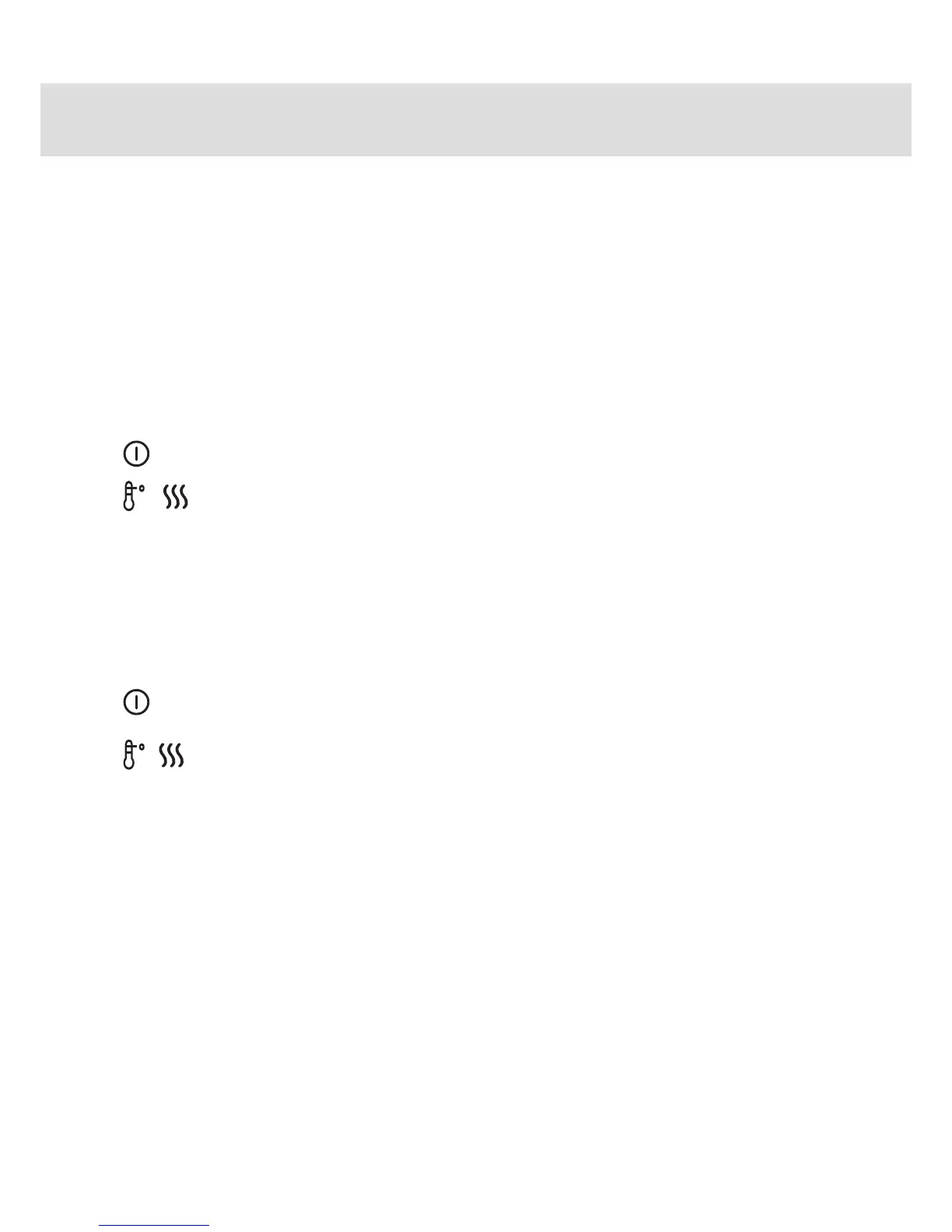
+ 2. Hold in the Temperature and Drying buttons while pressing the main switch.
The Temperature, Drying and start symbols will ash. Release the Tem-
perature and Drying buttons.
3. Press the Program button – when the Daily wash symbol is lit,
the button lock has been activated.
4. Then press the Start/Stop button to store the setting.
or Reset:
1. Switch o the dishwasher with the main switch.
+ 2. Hold in the Temperature and Drying buttons at the same time as pressing
the main switch.
3. Press the Program button – when the Daily wash symbol goes out,
the button lock has been deactivated.



 To Next Page