EN 9
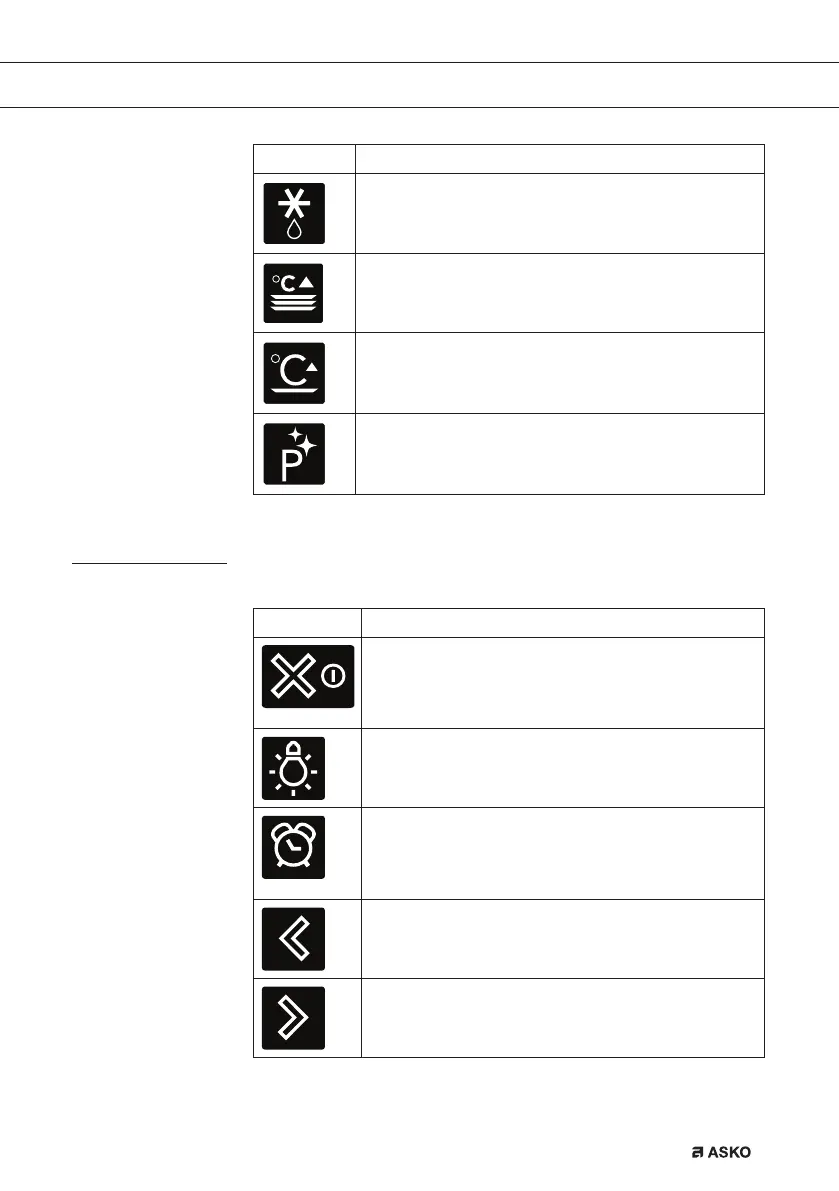
Setting Description
Defrost
Manual defrost
Plate warming
Warming
Keep warm
Cleaning
Pyrolysis
Aqua clean
Keys
In the table below you can find the discription of the different keys.
Keys Description of the keys
On/off key and stop key
- Press short: cancel operation or go one step back in
the menu.
- Press long: turn the appliance off or on.
Light key
- To turn the cavity light on or off.
Egg timer
- The egg timer can be used independent of the oven
function.
- The longest possible timer setting is 23:59.
Navigation key left
- To move the active area to the left.
Navigation key right
- To move the active area to the right.
YOUR OVEN


 To Next Page