17
are: Programs, Options, Temperature and De-
layed start. The options consist of sub-headings
Cooling, Buzzer and Anti-crease program.
Using the buttons, step forward or
backward in the respective headings to the set-
ting you wish to choose.
When you are at the desired setting, ack-
nowledge your choice by pressing the
Enter
but-
ton once.
In order to remember what you have included
in your drying programs, we recommend that
you fill in the settings that you have chosen in
the table noted on the last page of this chapter.
10 MAKING OWN DRYING PROGRAMS
You can make your own programs that perhaps
suit your requirements better than the four pre-
set programs.
It is always possible to restore the initial pre-
set programs. See the heading at the end of this
chapter, Restoring pre-set programs.
There is a flow chart on the next page that
gives you a good overview of all the available
functions.
After that follows a step-by-step instruction
on how to design the programs that satisfy your
requirements.
Each step begins with a description of the
programs, options or settings that you can
choose. Followed by a numbered sequence
describing what to do to make the alterations
that you require.
The buttons that you will need to use when
compiling your own programs are
Menu
, ,
and
Enter
.
Step forward in the menu by pressing the
Menu
button to the menu heading where you
wish to make an alteration. The menu headings
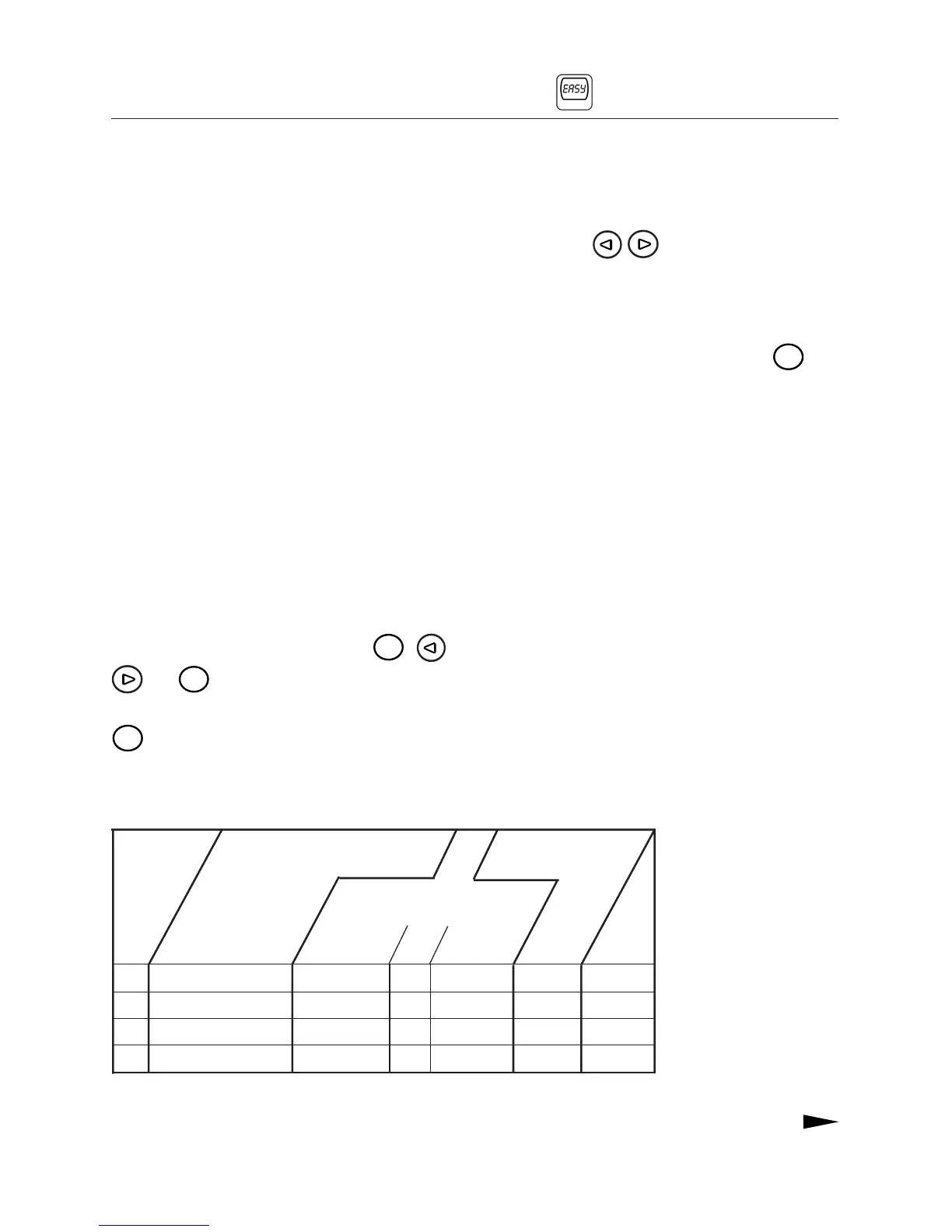
Settings of the four pre-set programs.
P1 EXTRA DRY NORMAL ON ON, 1 h NORMAL 0 h
P2 DRY NORMAL ON ON, 1 h NORMAL 0 h
P3 NORMAL DRY NORMAL ON ON, 1 h NORMAL 0 h
P4 IRON DRY NORMAL ON ON, 1 h LOW 0 h
OPTIONS
PROGRAM
TEMPERATURE
DELAYED START
Cooling
PROGRAM BUTTON
Buzzer
Anti-crease
program



 To Next Page