Service manual WM25
10
Total reset of programmes and starting test programme
To access the test programme, total reset of the programme must be carried out as follows:
1. Make sure that the main power switch if off.
2. Hold the start/stop button (S1) in and start the machine by pressing the main power switch.
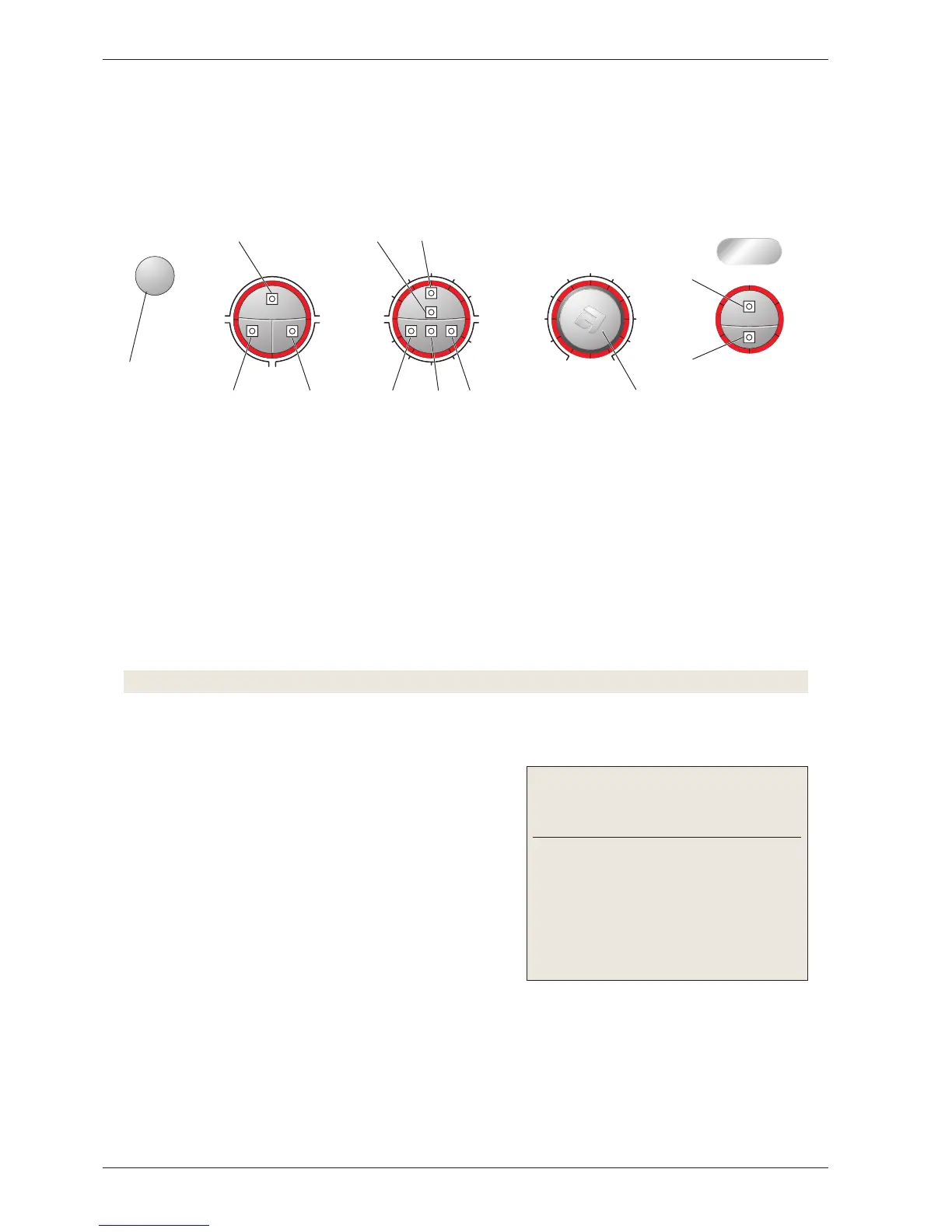
3. Check that any of the LEDs around the programme knob (L7 – L16) light. This indicates that total reset
has been carried out.
Testing LEDs
4. Press button S4/S5 and keep it depressed for approximately 20 seconds.
Note! This must be done within 3 seconds after carrying out total reset.
• All LEDs on the panel light up.
Testing inlet valves and water level (wash level)
5. Check that the door is closed.
6. Press the start/stop button (S1).
• The entire display goes out except L6 (by the start/stop
button), which starts to flash and continues to do so for
the remainder of the test programme.
•
Valve 1 opens for 2 seconds.
• Valve 2 opens for 2 seconds.
• Valve 4 opens for 2 seconds.
• Valve 2 opens until level P2 (wash level) is reached.
• Valve 2 closes.
Indication of faults:
Fault indication/symp-
tom
Cause
LED L1 flashes, the
test programme stops
and ”End” is shown in
the display (applies
to machines with a
display).
Level system/valve fault
Test programme
The entire test programme is run in a sequence as follows. You can cancel the test programme at any time
during the programme by pressing the main power switch.



 To Next Page