Service manual WM25
7
Options and settings
Options
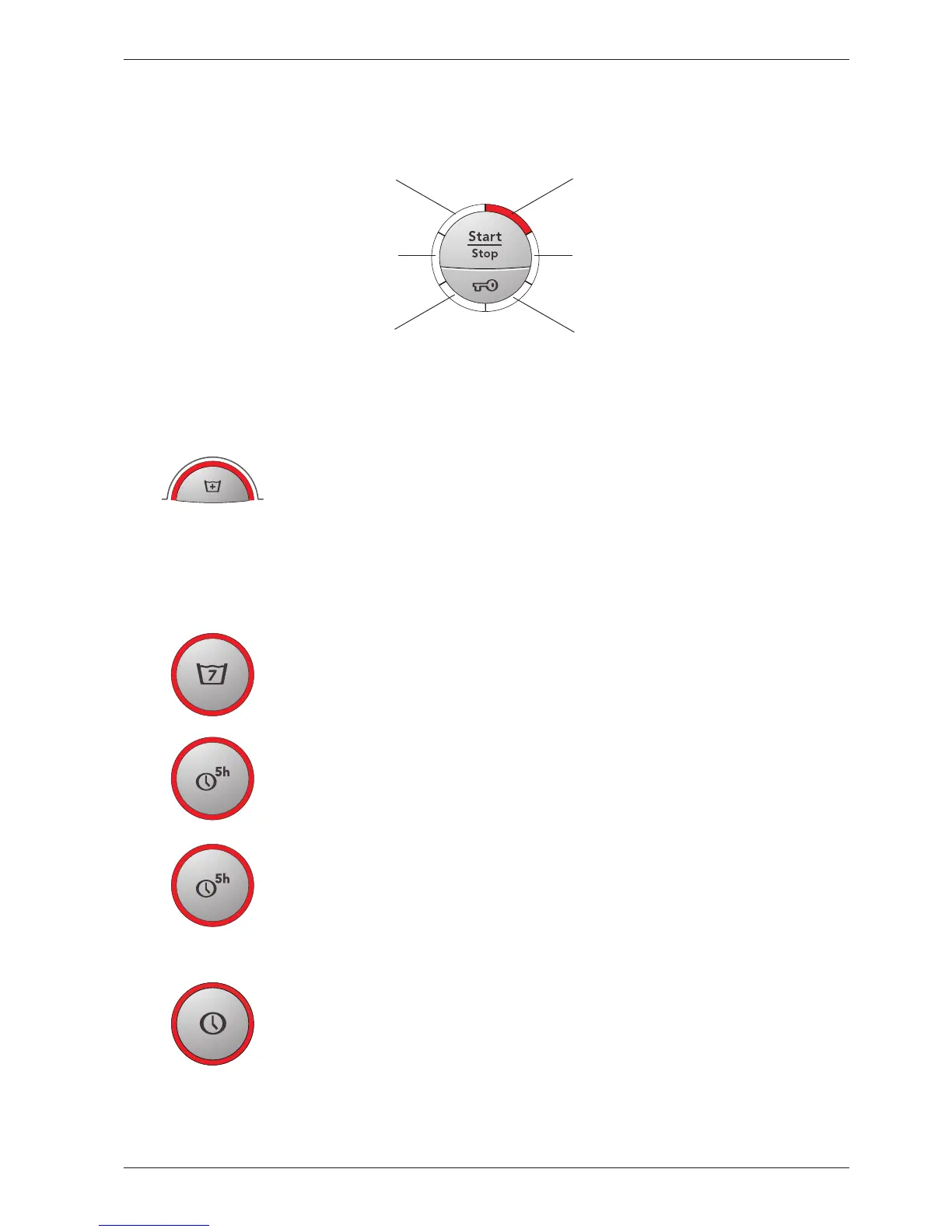
Increases the temperature and extends the time of the main wash
This option is only available on the American market.
White:
140°F / 170°F + approx 40 min
Colours: 105°F / 120°F + approximately 40 min
Permanent
press:
105°F / 120°F + approximately 15 min
Gives 2 – 4 extra rinses
This option cannot be selected with Wool/Hand wash, Rinse programme, Spin or Drain.
Machines without display
Delays the start of the machine by 5 hours
Activated by pressing the “Delayed start” button and then the start/stop button.
The number 5 in the display indicates that Time-delayed start has been activated. The num-
ber of hours to start is displayed with a countdown from 5 to 1.
Machines with display
Start machine with 5 hour delay
Activated by pressing the “Delayed Start” button and then the Start/Stop button
The number 5 is shown on the display to indicate that Delayed Start is activated.
The number of hours to start is shown in a countdown from 5 to 1.
1 - 24h delayed start successively from week 723
Start machine with 1-24 hour delay. Activated by pressing the Delayed Start option
button as many times as the desired number of hours’ delay before start (1-24 h)
and then pressing the Start/Stop button. The number of hours to delayed start is
shown on the display. The number of hours to start is shown in a countdown that
decreases 1 hour at a time.
Indication of programme sequence
During the programme, the current programme sequence is indicated by a fixed light in the LEDs around the start/stop/
door open button (see the image).
StartEnd
Final rinse
Heating up
Rinsing and spinning Temperature reached



 To Next Page